
Home > Learn
Learn
Organize teams, schedule work, manage availability, and share events.
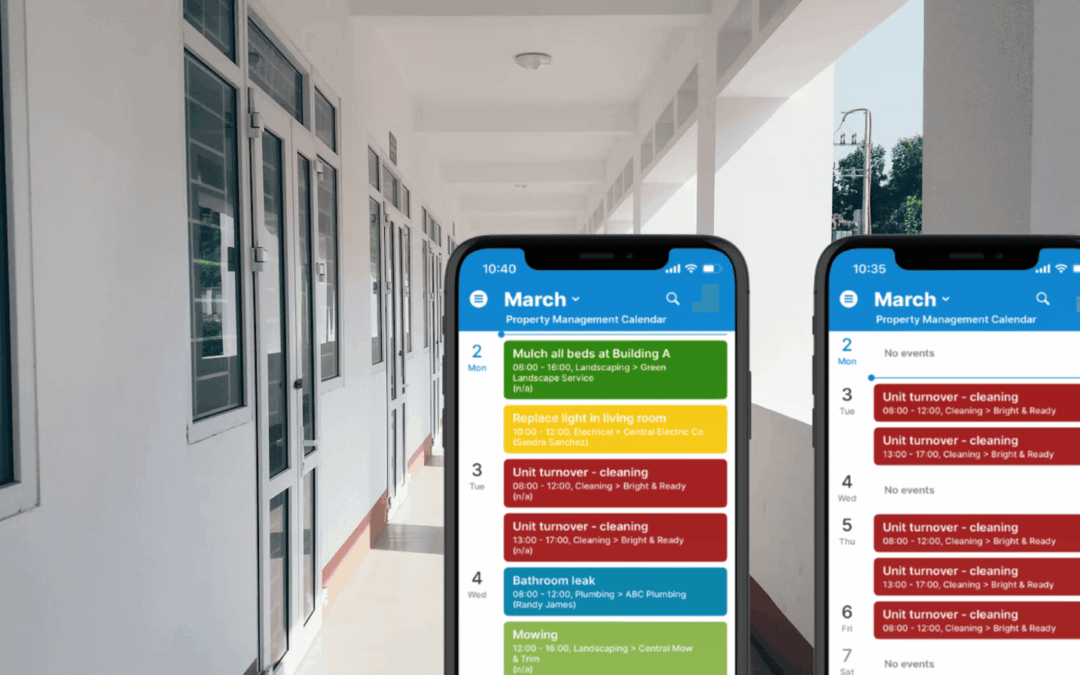
Secure, Efficient Vendor Coordination for Property Management
Share maintenance schedules with plumbers, electricians, and vendors without exposing tenant data or internal notes. Keep one shared but secure calendar that vendors can access on mobile.
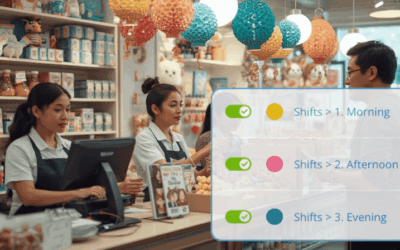
One Calendar for Complete Shift Visibility and Real-Time Updates
Streamline scheduling and keep shifts filled with a shared shift calendar that makes it easy to see who’s available and which shifts are open. Plus, real-time updates synced for everyone.
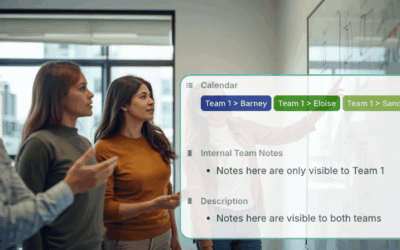
Get Cross-Team Visibility with the Right Amount of Information Sharing
A structured Teamup calendar can organize multiple teams and departments, keep data secure, and give managers unified visibility without overwhelming teams.

Trade Show Planning for Marketing Teams
Trade shows remain one of the most effective ways for marketing and sales teams to create meaningful connections, accelerate sales conversations, and strengthen brand visibility. They offer something digital channels alone cannot: direct access to decision‑makers,...

Fleet Scheduling Made Simple: Get Clarity on Vehicle Availability
Fleet management is a core part of daily operations for many service businesses, delivery companies, construction and trade teams, and organizations with mobile field crews. Drivers deliver products to customers or haul materials to job sites. Field technicians rely...
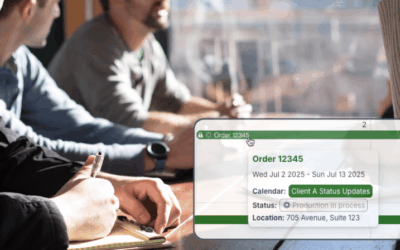
Keep Clients Informed Automatically with Synced Status Updates
Share automatic, secure client updates using a read-only iCal feed. Sync events directly to your clients’ calendars without exposing internal information.

Avoid Resource Conflicts with a Unified Staff and Equipment Calendar
Keep staff plans and equipment bookings in one place. Avoid conflicts, reduce delays, and gain full visibility with a unified scheduling calendar.
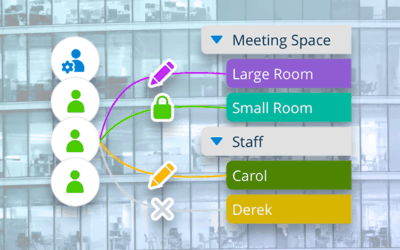
Share Your Calendar Securely with Customized Access Permissions
With Teamup, you can share a calendar securely with users, groups, and links. Customize permissions with central control of calendar access.
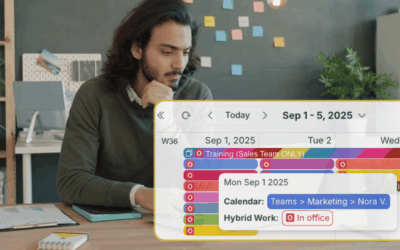
Manage Hybrid Work Schedules Across Multiple Teams
Keep hybrid teams in sync with a shared calendar organized by team so who’s in, who’s remote, and team meetings are clear.
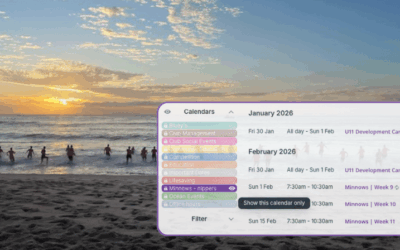
An Embedded Public Calendar for Volunteer-Run Surf Clubs
Volunteer clubs can embed a shared calendar to update class times once and let parents see real-time schedules with no extra links, apps, or email chains needed.

Choose the Best Calendar View
Too often, individuals and teams stay stuck in a familiar view — usually Week or Month — and miss out on the productivity gains that come from using a view designed for their workflow. Choosing the right calendar view matters more than most people realize. The...

Sharing Hundreds of Events with Motorsport Fans
Motorsport events are very popular, but sharing them all with enthusiasts is a big job. Here’s how Motorsport Australia does it with one shared calendar, organized and easy to use.

How to Organize Teams With A Teamup Calendar
As a team leader, you know how much time it takes to keep everyone organized and on the same page. When schedules, tasks, and updates are scattered across different tools, you end up doing more manual coordination than actual work. A shared team calendar can solve...
TABLE OF CONTENTS