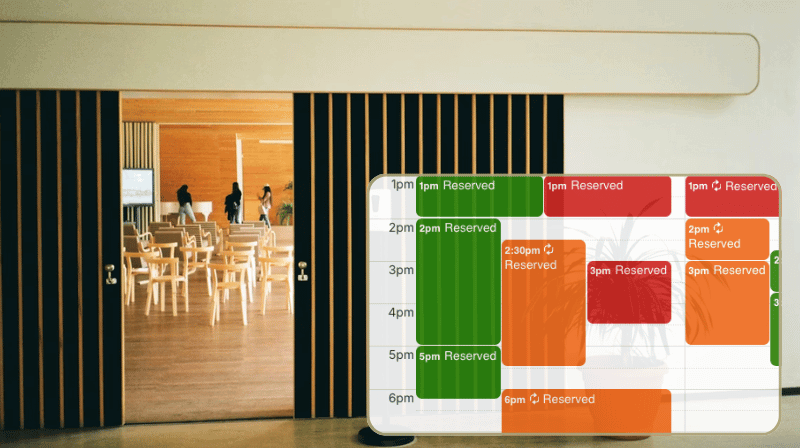
Community centers and libraries often provide bookable spaces for patrons. It’s a great service, but it often creates a lot of extra work. Staff members and volunteers end up fielding constant questions about room availability. Booking requests may come in by phone, email, and walk-ins.
A facility booking calendar can bring efficiency to the process by making availability visible to everyone and keeping all reservations organized in one place for staff.
Problem: A patchwork approach to room bookings
In many facilities, the booking system has been patched together over time with whatever was around: A shared spreadsheet, a paper log at the front desk, or a basic online form.
The more people rely on your space, the more this patchwork approach slows everything down.
For each booking request, staff members have to check for availability. Then they have to update the schedule manually with the booking. If the requested space isn’t available, there’s often a back-and-forth communication process to find an open date.
Plus, there’s no reliable way to prevent double-booking. When someone accepts a reservation but forgets to update the schedule, conflicts happen.
Solution: Clear availability, one booking workflow
A dedicated scheduling calendar brings the booking workflow into one space and simplifies the whole process.
Here’s how:
- Every bookable space gets its own sub-calendar.
- When a space is reserved, the reservation is added to the appropriate sub-calendar.
- The calendar automatically prevents overlapping events, so conflicting reservations can’t happen.
- With the calendar embedded on the facility’s website, the public sees an up-to-date availability view.
Staff don’t have to answer constant availability questions, and reservations are all in one reliable, up-to-date system. Patrons can check the calendar for open spaces without waiting on staff to respond. It’s a more streamlined, convenient process for everyone.
Reservations shown, details hidden
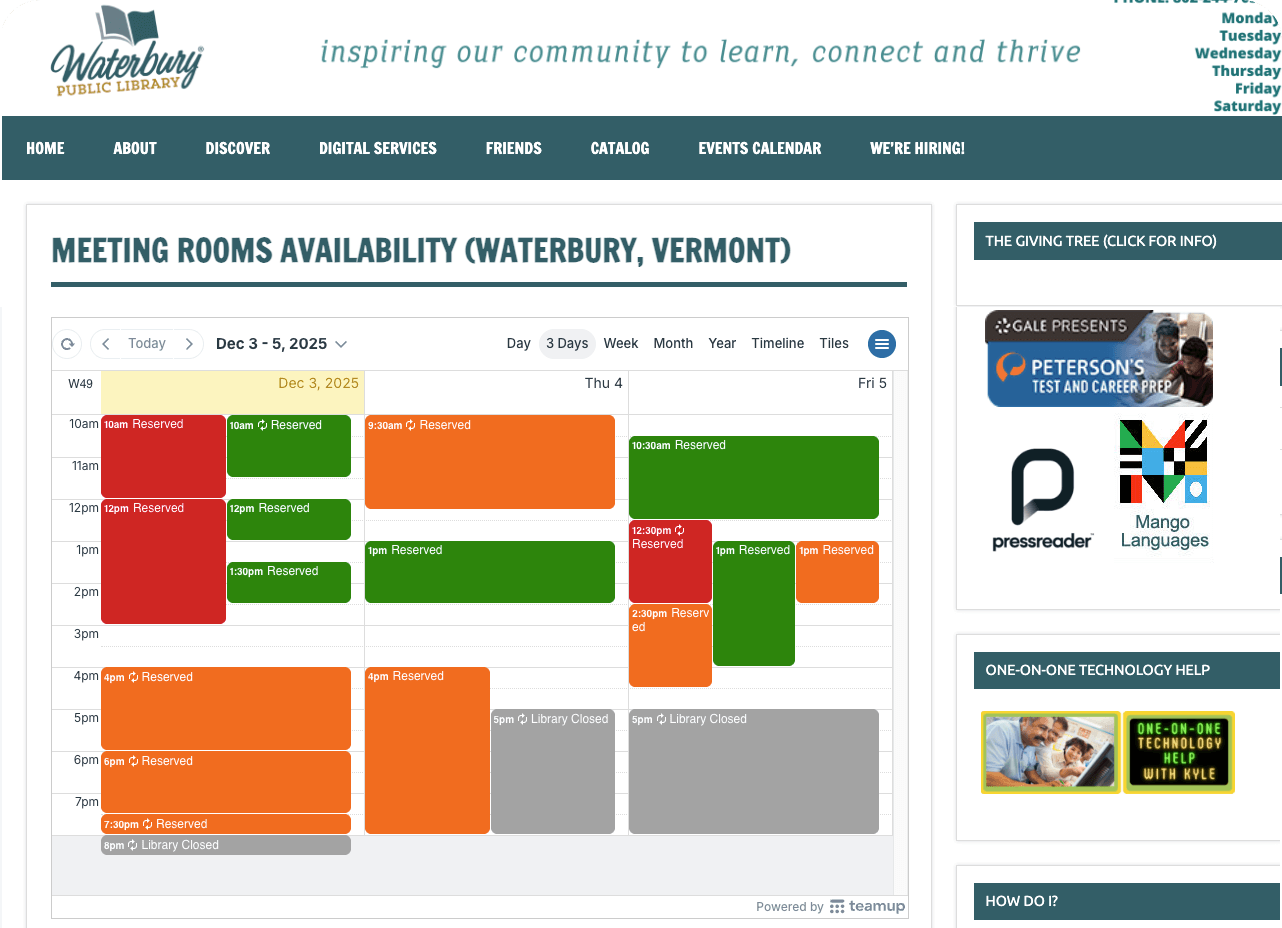
Many facilities don’t provide a booking calendar view publicly in order to protect details of the bookings already made. With Teamup, it’s possible to show a public view without revealing confidential information. The read-only, no details permission shows each event as Reserved and hides all event details except the date, time, and calendar name. So staff can see all the details for each booking, but the public can only see that a booking has been made.
A real-world example: Embedded availability
Here’s the concept in action: Waterbury Public Library has three rooms that patrons can reserve. Their availability calendar, embedded on their website, shows clearly when rooms are reserved and when they’re open. But patron details (i.e. who made the booking) are never visible on the embedded calendar.
How to set it up
🏫 Mini-guide
- Set up sub-calendars for each bookable space. Use clear names and assign each a color so availability stands out. Optional: Add a Facility sub-calendar for internal use, hours, and maintenance needs.
- Prevent conflicts automatically. Configure each calendar to disallow overlapping events. This single step eliminates most double-booking issues.
- Use event fields to track renter info. Configure built-in event fields and add custom fields as needed to capture all the details needed for a booking. The information stays attached to the booking but it’s not visible to the public.
- Create a secure calendar link. Here’s how: Just assign read-only, no details permission instead of read-only. Use this link to embed the calendar on the facility website.
- Block out unavailable time. Block maintenance or internal use on the appropriate sub-calendars. On the Facility sub-calendar, add recurring events to show regular events, hours, or holidays that affect booking availability for all spaces.
An easier way to manage shared facilities
A structured booking system creates a smoother experience for both staff and community users. Conflict prevention eliminates double-bookings. A public view provides clear availability without the need for repeated inquiries. And staff always know where to find booking details. It’s a simple but effective system to reduces admin work and makes managing these spaces easier for everyone.
Ready to simplify booking for your facility, community center, or library? Set up your own calendar with Teamup.