Product Tips, Working with Events
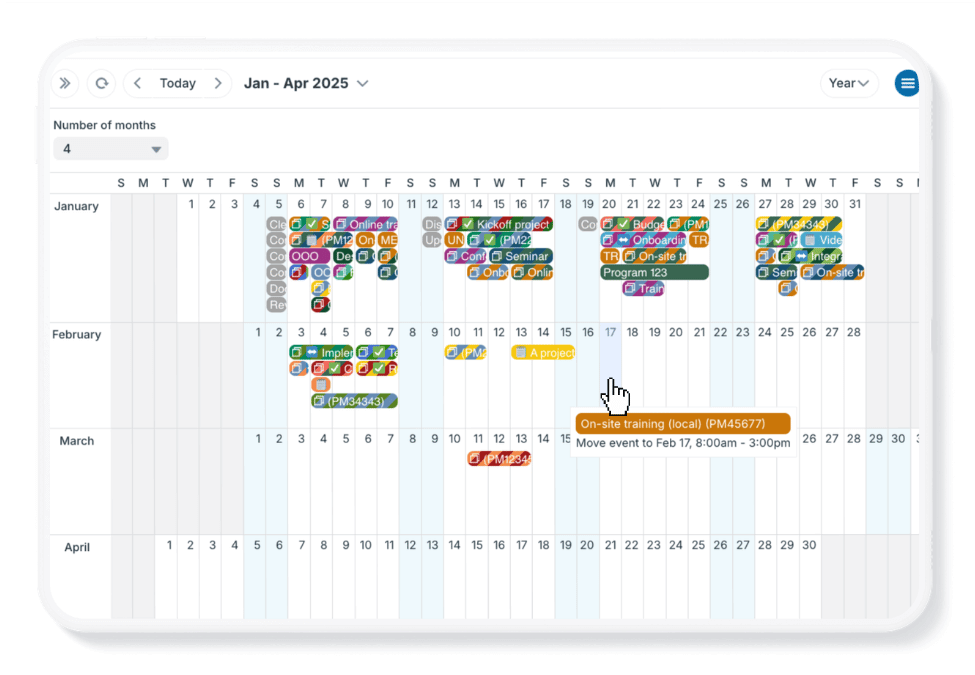
If you need to move multiple calendar events to different dates, the typical method of editing events is slow. Here are two methods that are faster when you need to reschedule a larger number of events. Drag and drop events To quickly reschedule events in Teamup, use...
Calendar Visualization, Featured, Product Tips
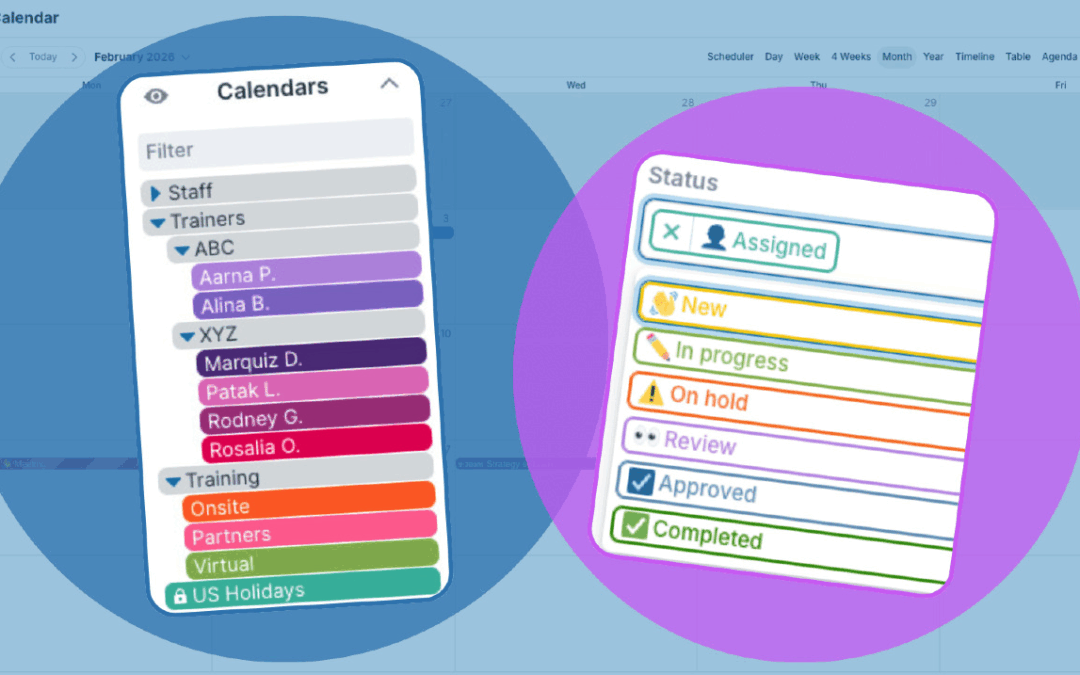
One of the first steps in setting up a calendar is to define its structure. Thoughtful structure, with clear organization and visual cues, makes the calendar easier to use so teams work more efficiently from the start. Calendar structure is the underlying framework...

Calendar Access, Featured, Product Tips
A Teamup user account is your personal login, tied to your e-mail address and password. Teamup user accounts provide better security and unlock the most powerful Teamup experience, including a personal calendar dashboard, syncing across devices, event reminders, and...
Calendar Visualization, Featured, Product Tips
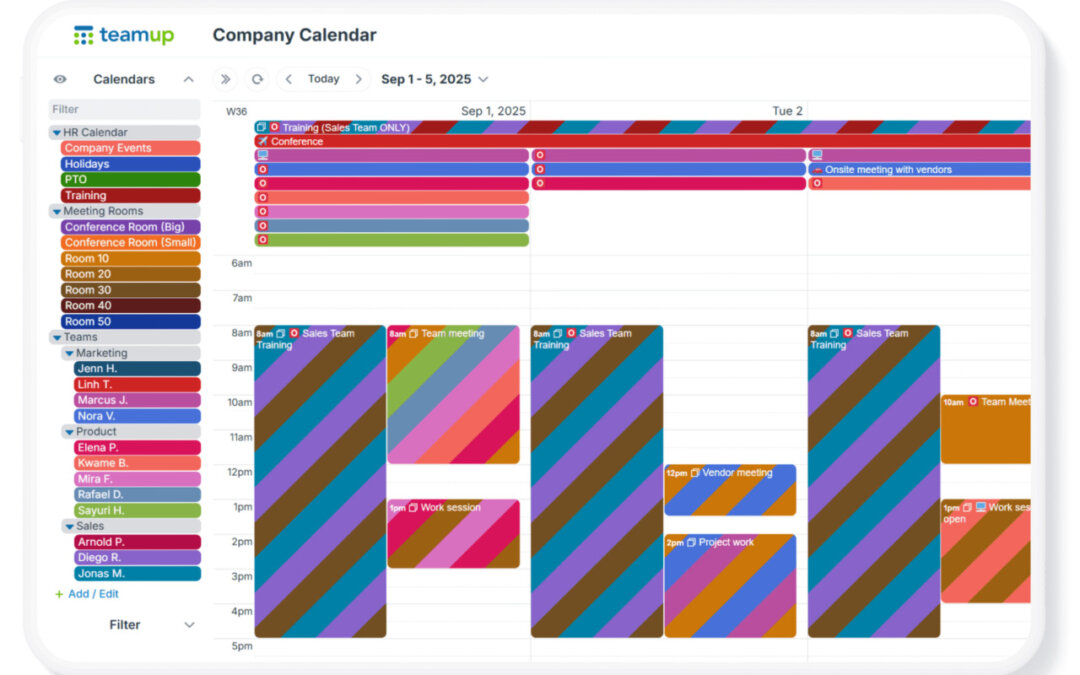
When you create a Teamup calendar, you’re creating a master calendar. That master calendar can contain many sub-calendars. Typically, a bigger or more complex organization (or project) means you’ll need more sub-calendars. Also, as teams grow, scheduling...