
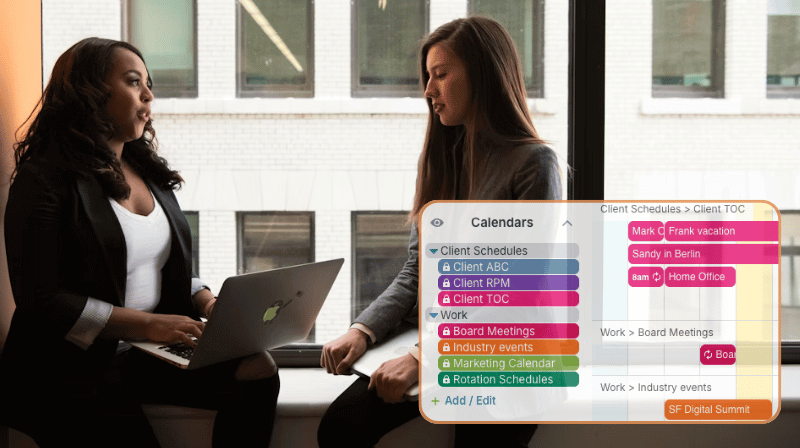
Professionals often depend on scheduling information from multiple sources. To stay updated, they have to check all sources and manually compare everything. Even with careful attention, this approach is prone to errors and often leads to missed updates or conflicts.
The need: Compare scheduling information from multiple sources to make plans that don’t overlook events or inadvertently create conflicts.
The Teamup solution: A unified calendar with inbound iCal feeds brings all schedules into one reliable view, automatically syncing events from multiple sources so planning is faster, clearer, and far less error-prone.
Multiple schedule sources make planning difficult
Take a consultant with multiple clients, each using different calendar tools. One client sends Outlook invites, while another uses Google Calendar. Industry conferences share public iCal feeds. The consultant also juggles personal commitments and travel plans.
While all scheduling info is available, it’s scattered. To plan a meeting, the consultant opens each client’s calendar, checks their own schedule, then ensures there are no conflicts with industry events. Any change in any piece of the scheduling puzzle requires doing it over again — that is, if the change is noticed at all. Without a unified view, it’s common to miss small schedule shifts or updates that can throw the whole plan off.
How a unified calendar solves the problem
A unified calendar combines all scheduling streams into one view. Instead of checking each system separately, the consultant sees Outlook appointments, Google events, conference calendars, and personal commitments all in one spot.
Teamup makes this possible with inbound iCalendar feeds. Any calendar with an iCal URL, such as Outlook, Google, or public event calendars, can be synced into a master schedule. The consultant can see schedules from each source, all in one place. The overview calendar turns an awkward, multi-step scheduling hassle into a streamlined workflow.
How to set it up
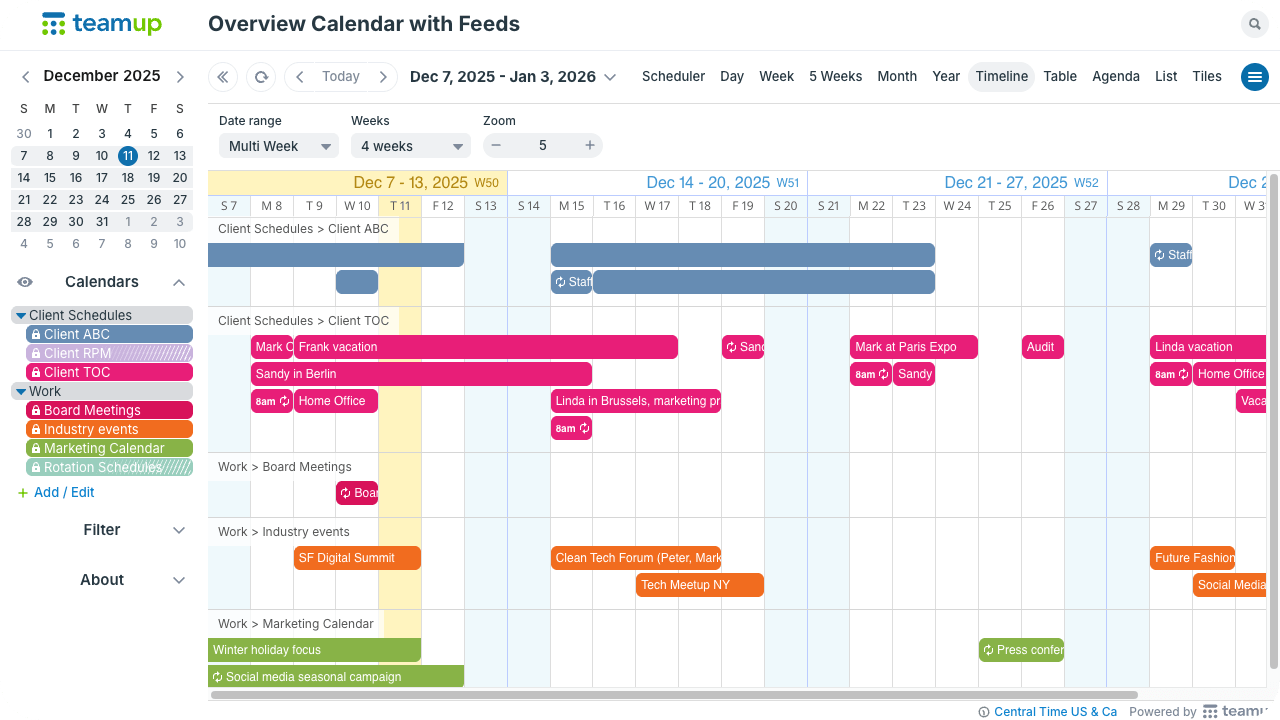
Click to enlarge: View all schedules in one place to quickly compare availability and coordinate timelines.
Create an overview calendar with iCal feeds
- Identify the calendars to include. Choose key calendars: client schedules, personal calendars, project timelines, and public iCal feeds for industry events.
- Copy each iCalendar feed URL. Most tools have a “Subscribe,” “iCal,” or “ICS” link. See more details.
- Add the feeds to a Teamup calendar. Set up an inbound iCal feed for each source. Each source appears as its own sub-calendar.
- Use colors and folders. Assign colors and organize feeds into folders for clarity.
- Let the feed do the updating. Feeds refresh periodically for automatic syncing.
A better way to coordinate across schedules
For professionals who rely on scheduling from multiple sources, a unified overview is a major boost to efficiency. There’s a clear view of all scheduling factors and obligations for spotting availability, avoiding conflicts, and managing last-minute changes. Planning becomes a quick task instead of a never-ending loop.
Related resources
- Details on setting up inbound iCal feeds
- Create an overview of multiple calendars for easier planning
- Add holiday calendars to your Teamup calendar
- Learn about inbound vs outbound iCal feeds — you can use both with Teamup
- More ways to use iCal feeds with Teamup: Keep clients informed with automatic status updates or share booking availability without privacy issues
When everything is visible in one place, planning and execution run smoother. Get started with Teamup for a coordinated overview with all schedules in one place.


