Featured, Interactive Demos
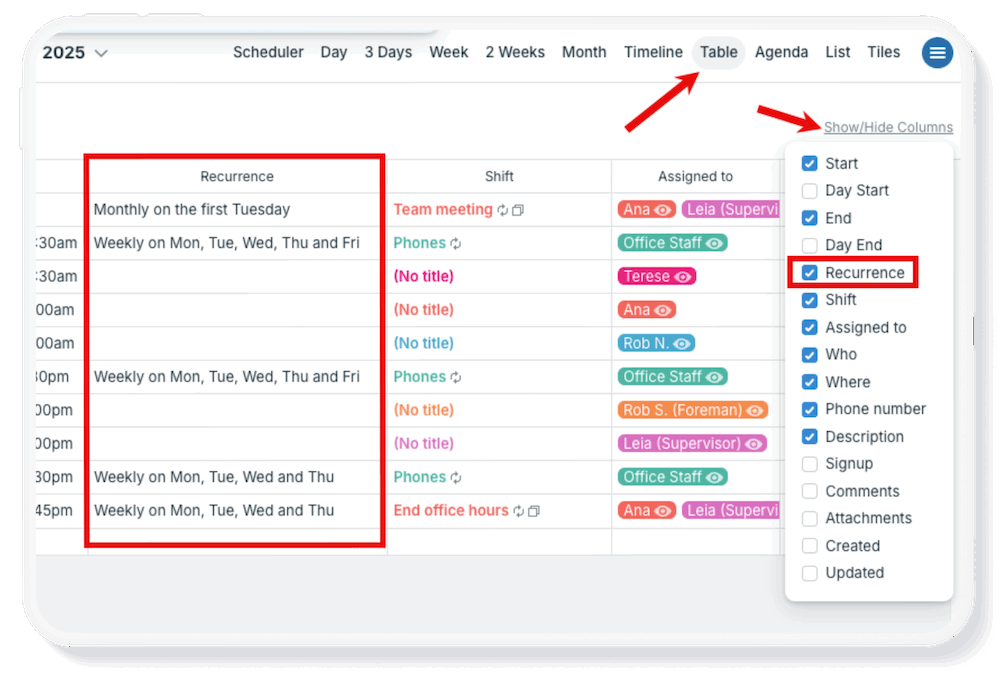
Table view (browser only) provides a spreadsheet-like tabular view of calendar events. Each event field is shown in its own column (including custom fields) and each event in its own row. Like all the other calendar views, events can be filtered and sorted by various...
Featured, Product Tips, Ticker
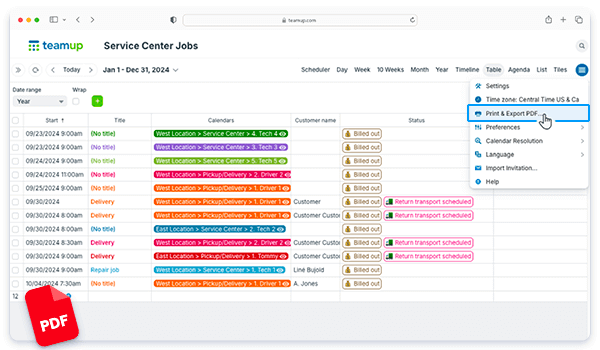
Table view gives you the ability to work with time-based information (i.e. events and tasks on a calendar) easily in a spreadsheet-like view. Instead of dragging data from spreadsheet to calendar, you can see info in a calendar grid, then 🖱click! it’s in a sortable...
Featured, Manage Availability, Schedule Work
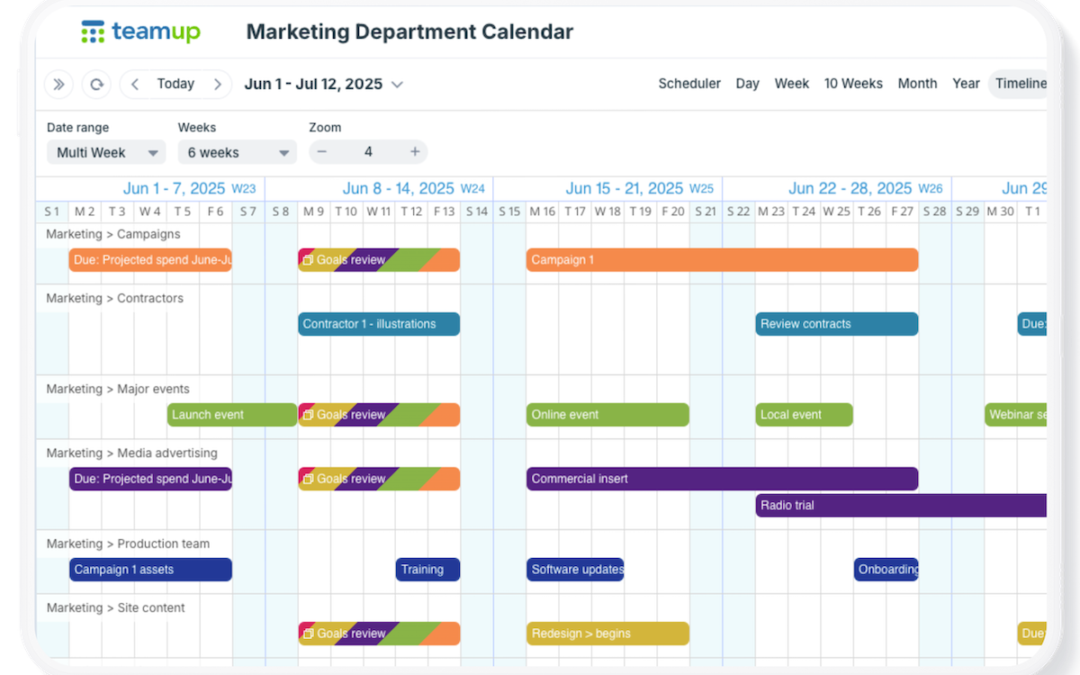
When you’re planning long-term, it’s important to see the big picture. Many calendars make this difficult, forcing you to jump between months or use separate tools just to plan ahead. Teamup makes it easy with flexible calendar views that give you a clear,...
Information Visibility, Product Tips
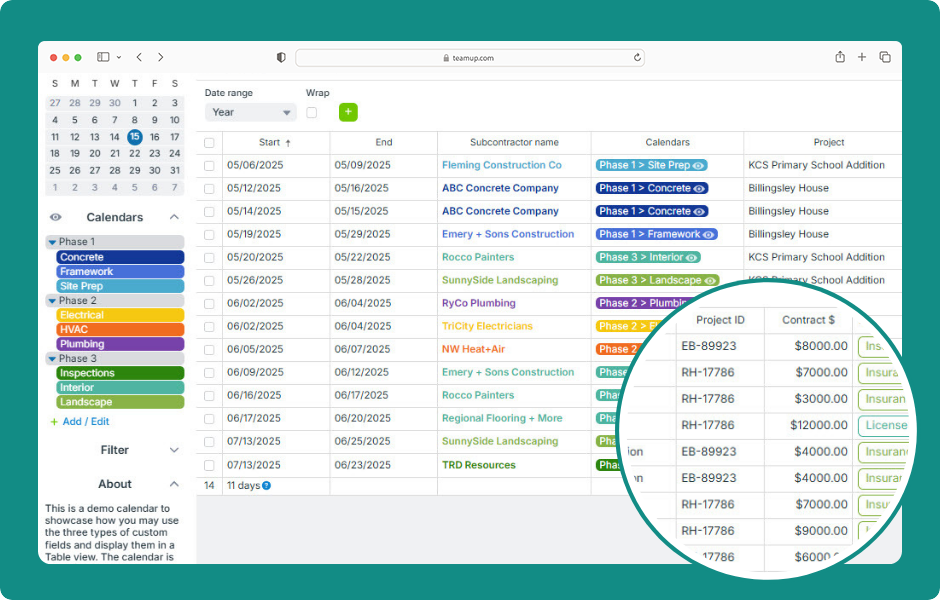
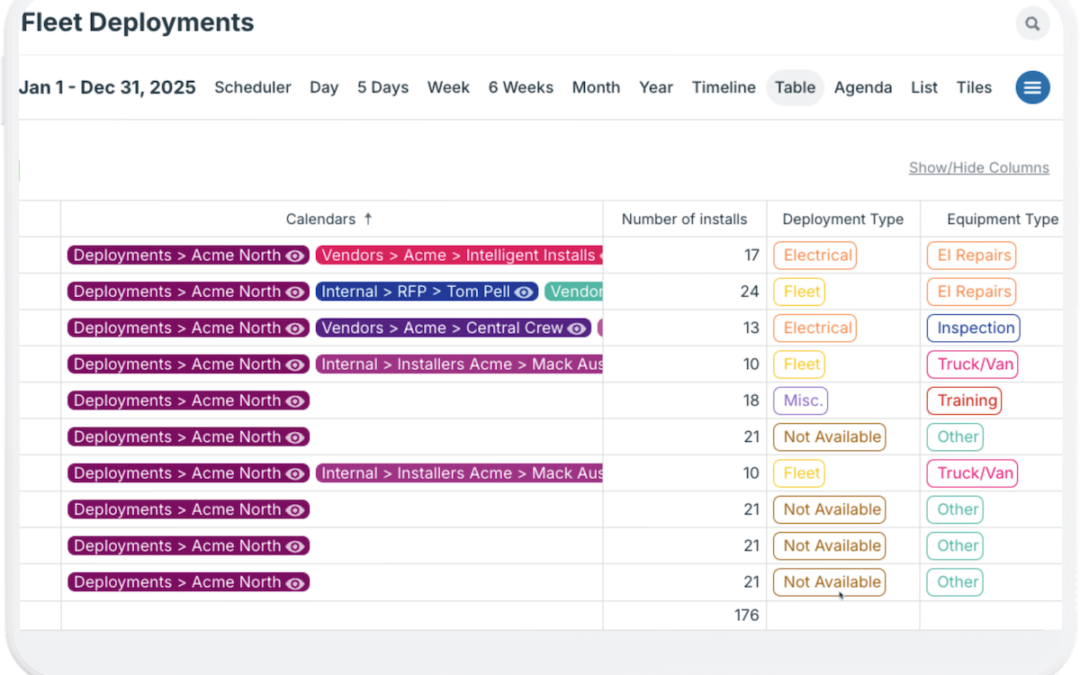
Custom fields are helpful for tracking pieces of information particular to your jobs or projects. With a custom number field, you can capture and track numerical data related to your jobs, projects, employees, or other aspects of work. Plus, in Table view, you can see...