Calendar access and sharing, Featured, Product Tips
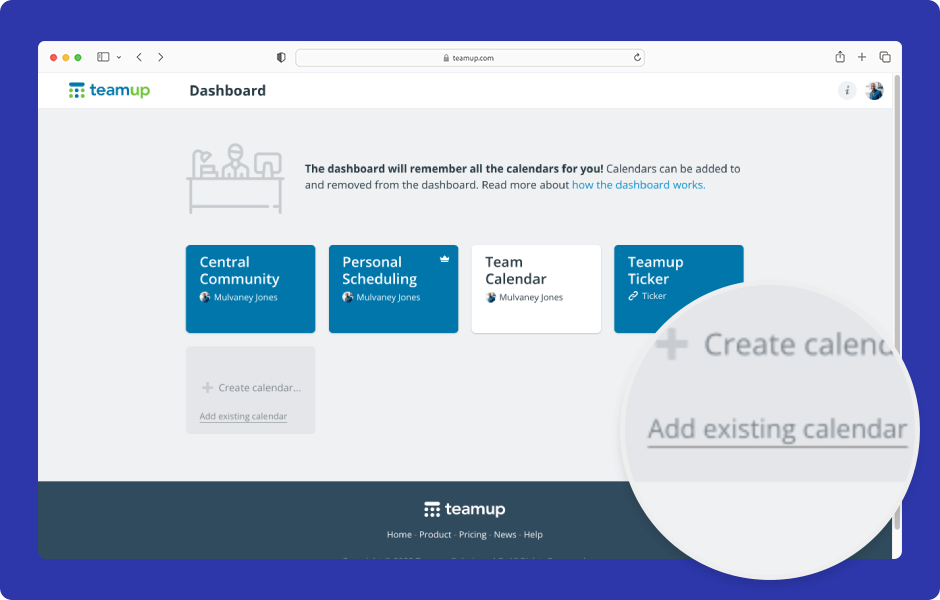
A Teamup user account is your personal login, tied to your e-mail address and password. Teamup user accounts provide better security and unlock the most powerful Teamup experience, including a personal calendar dashboard, syncing across devices, event reminders, and...
Interactive Demos, Organize Teams
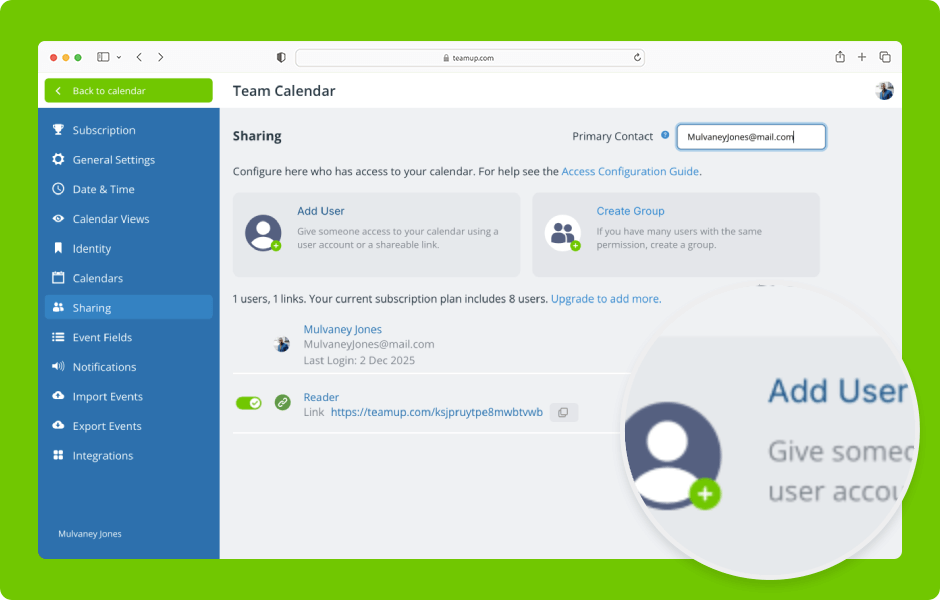
Set up secure, customized access by selecting which sub-calendars to share and assigning the appropriate permission levels. ENLARGE DEMO Access level required: Administrator Add a user by email Open Teamup in a browser. Click the blue menu (top right). Select...
Featured, Information Visibility, Organize Teams
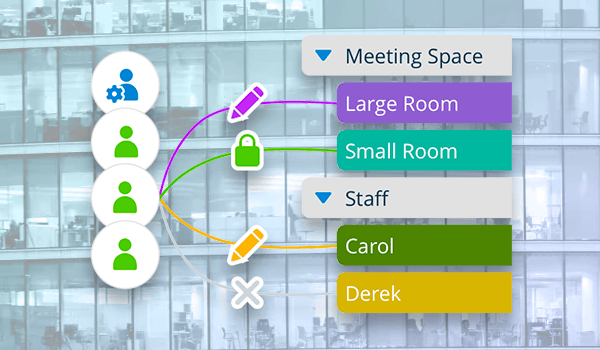
With Teamup, calendar access for every user is customized and centrally controlled by the calendar administrator, who decides exactly who can see what, and what they can do — all from one place. Here’s an easy way to picture it. How calendar access works Think of your...
Featured, Information Visibility
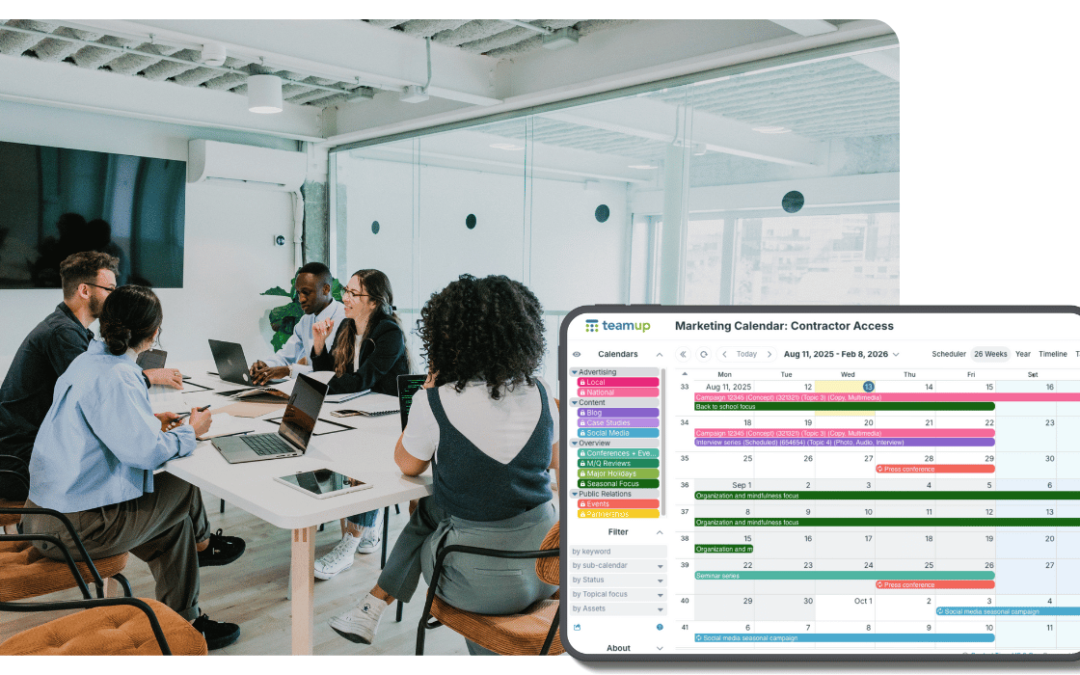
Sharing calendar access with external contractors or vendors needs careful thought. You want to ensure efficiency by giving direct access to those who need it. At the same time, you need to protect confidential information and prevent accidental changes. So, how can...