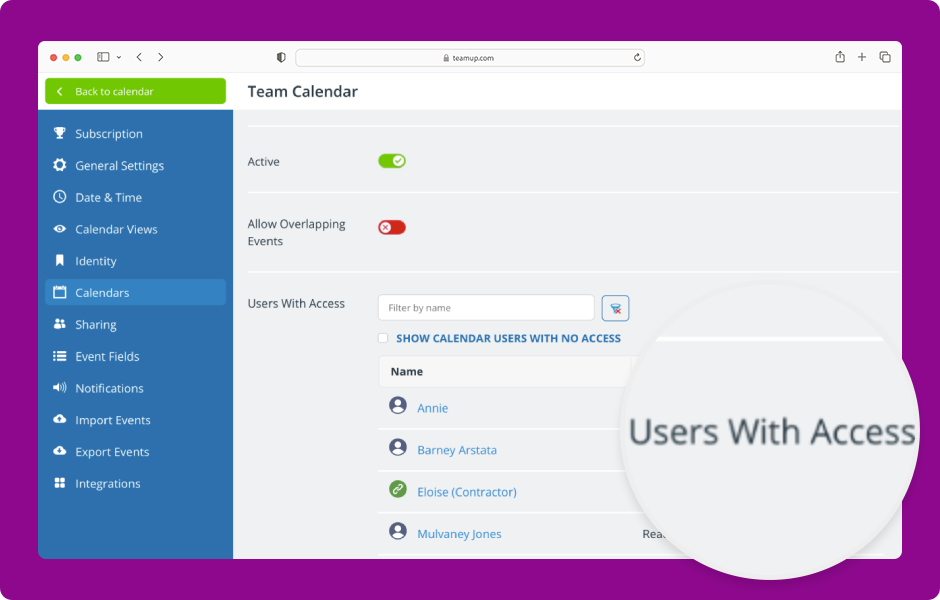
The editing screen for any sub-calendar provides a summary view of all users with access to that sub-calendar and their permission level.
Access level required: Administrator
- Open Teamup in a browser.
- Click Add / Edit under the Calendars list.
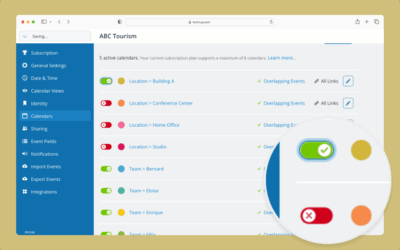
- The Calendars tab shows a list of all sub-calendars
- Click a calendar title to review who has access.
- Scroll to the Users With Access section.
- This section shows all users with access to the sub-calendar and their permission level.
- The permission level for links with selected calendar access can be adjusted here.
- To adjust the permission level, select from the menu next to the link name.
- Click Save.
- Review permissions for all other users for this sub-calendar and adjust as needed. Repeat for all other sub-calendars.
Review access on a regular basis to keep the calendar secure.
ℹ️ Learn more