Make events stand out with Tiles view. Create a visually engaging calendar (web + mobile) to share events and provide clarity. It’s practical and appealing.
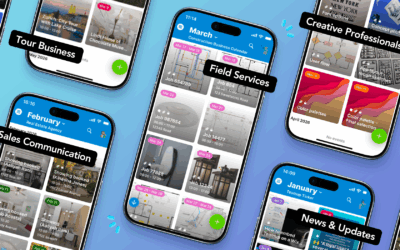

Make events stand out with Tiles view. Create a visually engaging calendar (web + mobile) to share events and provide clarity. It’s practical and appealing.
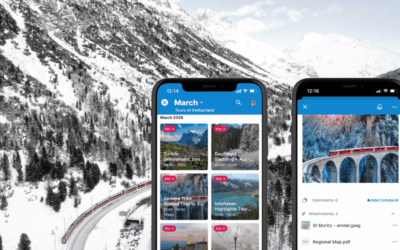
See how tour guides use Teamup as an information portal for scheduled tours. Prep notes, maps, photos, and in-tour updates stay attached to each event. Tiles view on the Teamup app provides a visual display that’s easy to reference anywhere
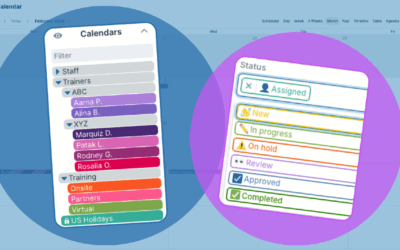
Creating a thoughtful, organized calendar structure makes scheduling clear and helps work flow more efficiently. Learn how to structure your calendar with folders, color-coding, and custom fields.
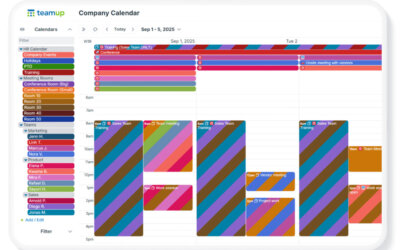
When scheduling involves multiple teams, shared resources, and frequent changes, one big master calendar helps keep schedules organized, accessible, and easy to work with.
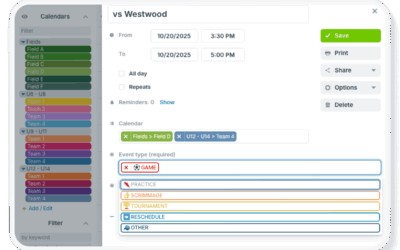
Manage all the aspects of complex scheduling by combining both sub-calendars and custom choice fields for a flexible, useful calendar structure unique to your needs.

Share a clear, visual schedule of property showings with clients using Tiles view on the Teamup app to highlight listing photos and property details in an understandable way.

Plan multi-day conferences with fewer conflicts. A unified scheduling calendar keeps sessions, speakers, and rooms aligned in one clear view.

With Teamup, easily share a secure look at the weekend’s events with guests in a visually appealing way for on-the-go access and updated details.

Teamup helps small service teams simplify scheduling, coordinate field work, and manage daily operations with one shared calendar.
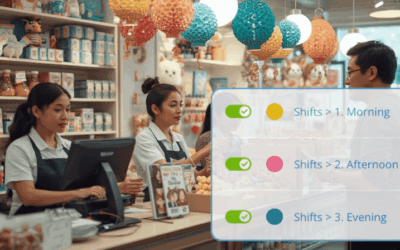
Streamline scheduling and keep shifts filled with a shared shift calendar that makes it easy to see who’s available and which shifts are open. Plus, real-time updates synced for everyone.