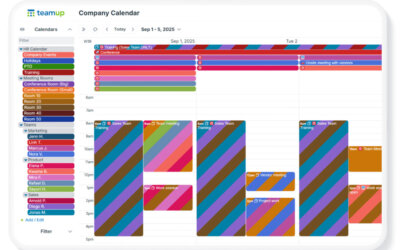
A Teamup user account is your personal login, tied to your e-mail address and password. Teamup user accounts provide better security and unlock the most powerful Teamup experience, including a personal calendar dashboard, syncing across devices, event reminders, and customized notifications. A user account is free and offers benefits for both calendar administrators and individual users.
🔐 More security for organizations and calendar administrators
Compared to link-based access, user accounts give organizations more control, visibility, and security. Granting account-based access allows calendar administrators to easily manage and stay in control of user access, since each user is identified by their email address. Because email addresses are typically unique to one individual, access is clearly tied to a specific person, similar to entering a secure area with a name badge. Shared email addresses are not recommended, since they make it harder to manage permissions accurately, to identify who has access and who makes changes to the calendar.
Admins can also assign permissions to user groups, making it easier to manage access for teams and roles at scale. And when someone leaves the organization, admins can simply revoke that user’s account access.
👤 The benefits for individual users
Get calendar access that’s tied to your email address
With a user account, your calendar access is linked to your verified email address. Your unique calendar access is only available by logging into your account, which prevents other individuals from using your access. Your access is personal and secure:
- Calendar access is shared directly to you
- Your access is tied to your email address
- Admins can manage access more securely.
See all your calendars in one dashboard
A user account gives you a calendar dashboard, your home base for scheduling. Any calendar you create is automatically added to your dashboard, and calendars shared with your user account will appear there automatically too. Your dashboard makes it easy to access all the calendars you use in one place, so you can quickly open:
Stay synced across devices (web and mobile)
With a Teamup user account, you can log in on your desktop browser, or download the Teamup app and sign in to access the calendars on your dashboard anywhere. Every event, including like notes, links, or file attachments, will be available across your devices on:
- Desktop browser
- iOS app
- Android app.
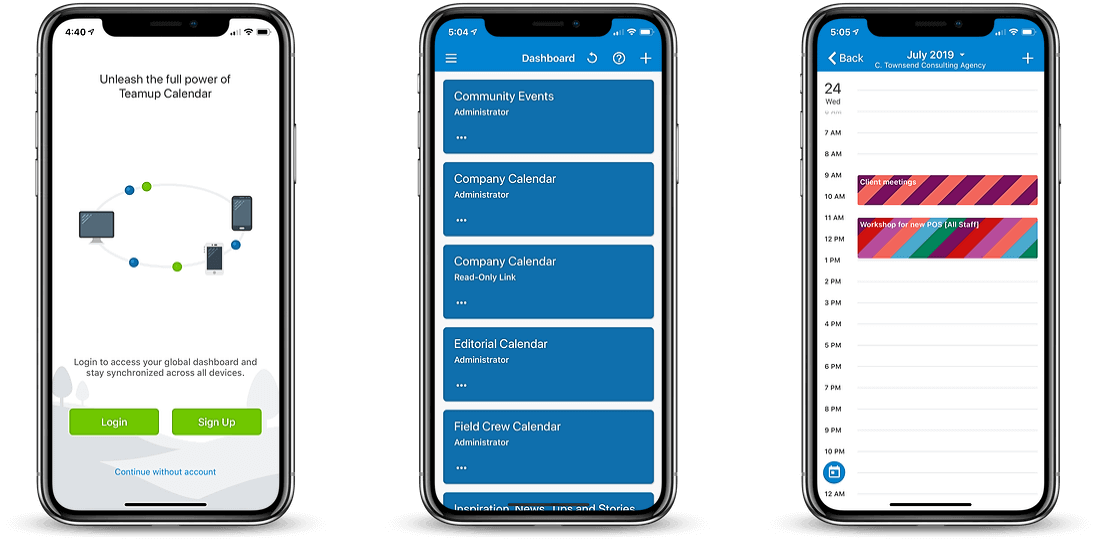
Click to enlarge: Log in to the Teamup app to access your calendar dashboard on mobile
Set up your own reminders and notifications
With a user account, you can personalize how Teamup keeps you updated, including:
- Reminders for upcoming events, sent by email at a specified time before an event starts.
- Change notifications, which allow calendar users to be notified when changes are made to events on the calendar.
- Daily Agenda, which displays all events for the upcoming one to three days, and it is sent via email in the morning, or at the time of your choosing.
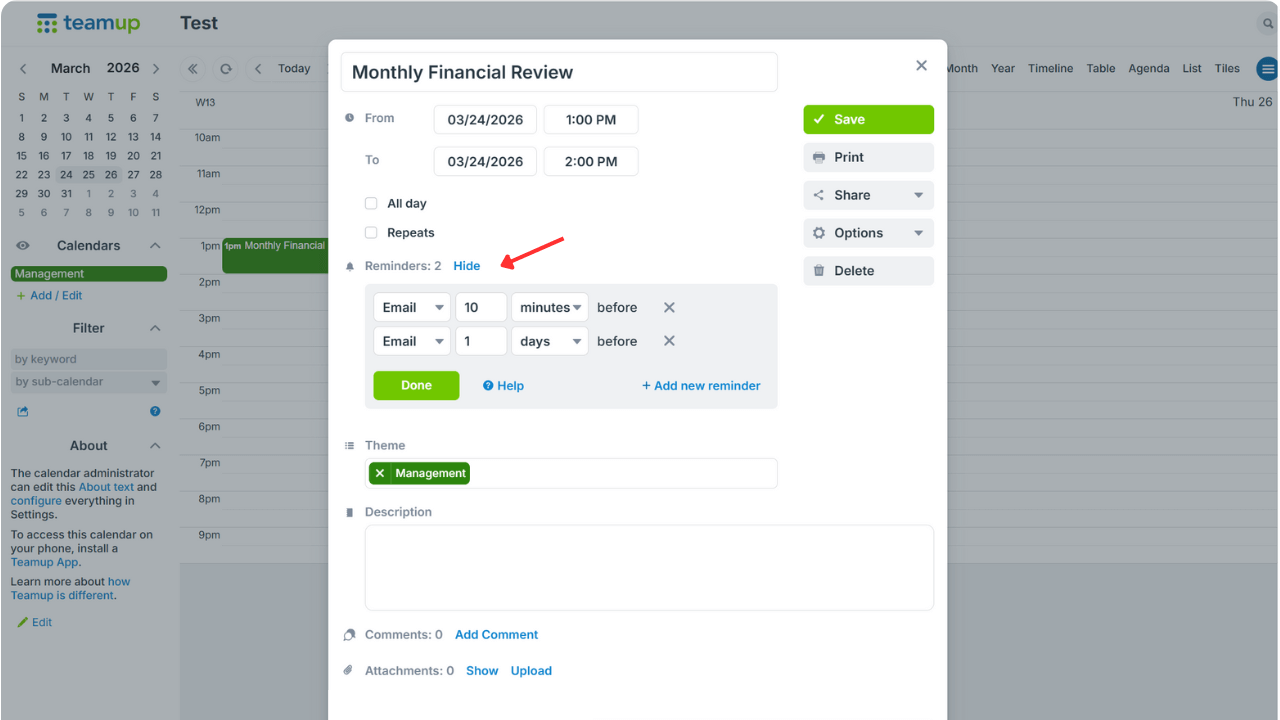
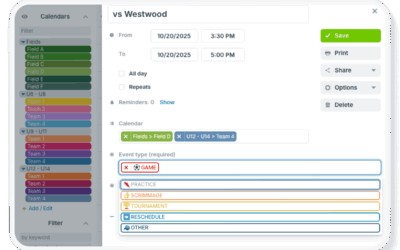
Click to enlarge: Set reminders for upcoming events directly in the event editor.
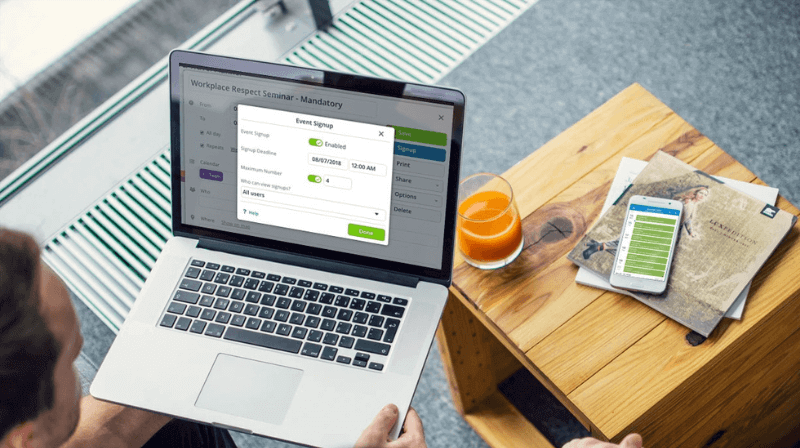
Manage your event signups
If your Teamup calendar uses signups, having an account makes signups smoother. You can sign up, get e-mail confirmation details and remove your signup from the event if plans change.
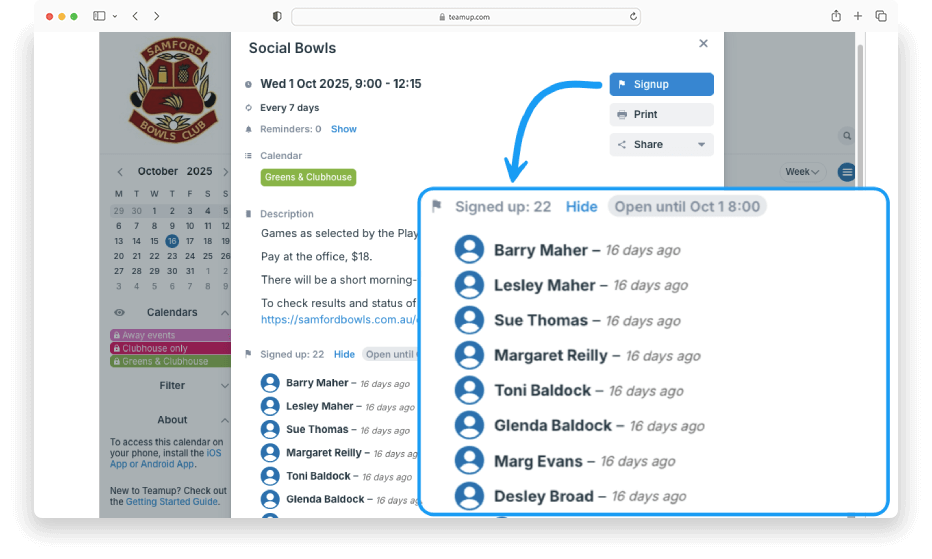
Click to enlarge: Manage your event signups
Share events to another Teamup calendar
To share an event to another Teamup calendar, you need to be logged in to your Teamup account. When you choose Share > Calendars > Teamup, you can select a destination calendar from your calendar dashboard.
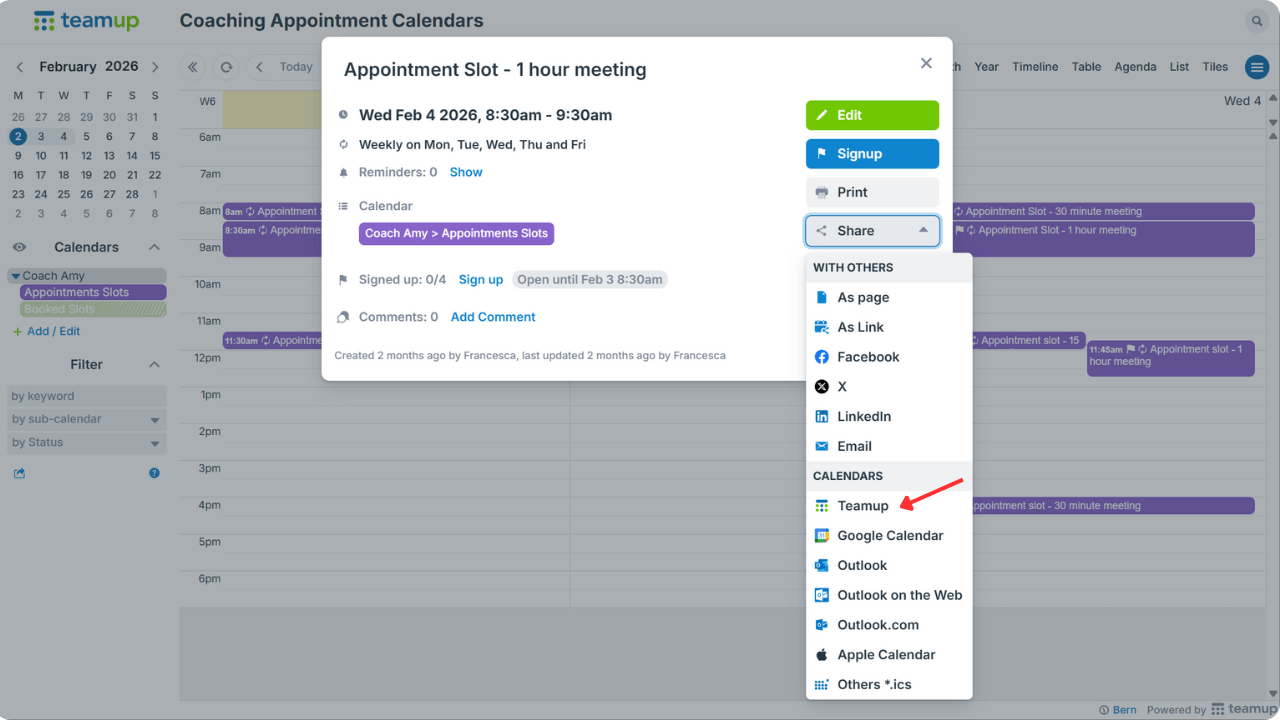
Click to enlarge: Share an event directly to another Teamup calendar
Get Teamup notifications in Slack
If your team uses Slack, you can set up the Slack integration to receive Teamup Calendar notifications in a Slack channel, including pop-up alerts on desktop or mobile via the Slack app. If you spend a lot of time in Slack, this can be an easy way to stay on top of schedule changes and reminders, whether it’s for team meetings or personal to-dos. Pro tip: double-check that notifications are sent to the right channel (and keep personal notifications in a private channel).
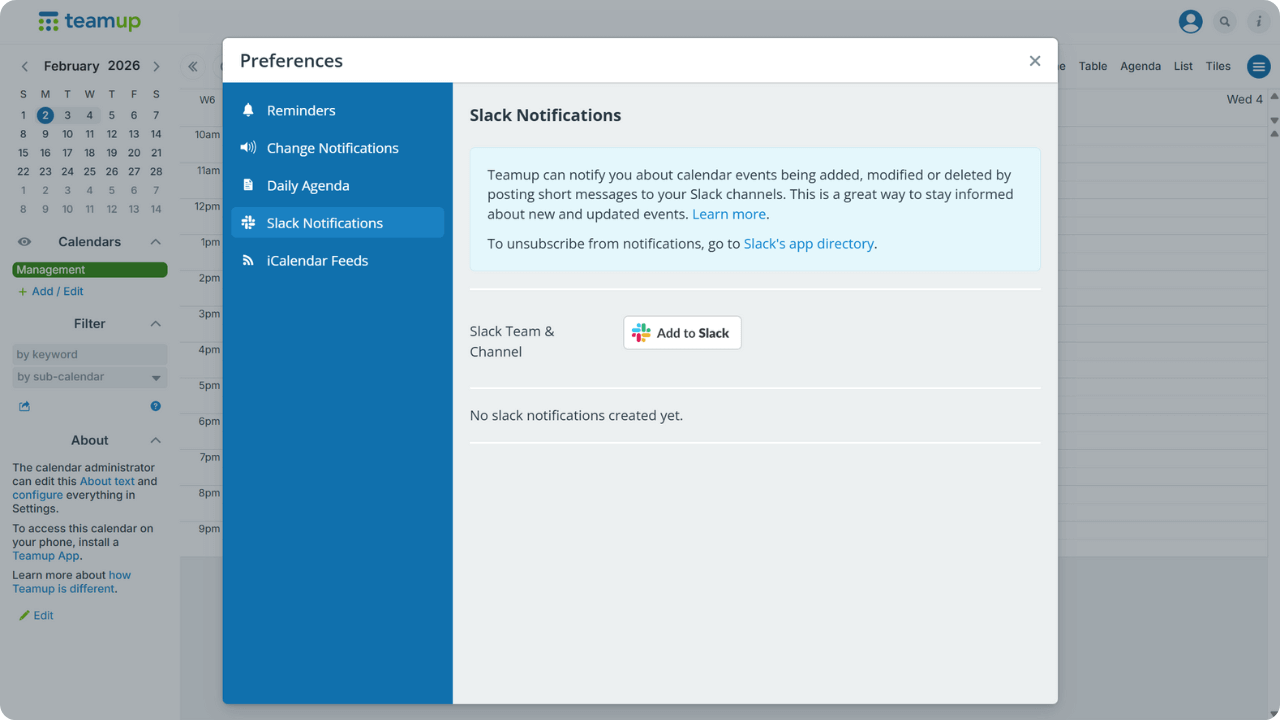
Click to enlarge: Add Teamup notifications to Slack
Get started with a Teamup user account
There’s no charge to create a Teamup user account, and you don’t need a subscription. Subscriptions apply to Teamup Master Calendars, not to user accounts, so you get all the benefits of a user account for free. Ready to unlock these features and keep all your calendars in one place? Get started in seconds:
▶️ Create your free Teamup user account now.
If you are a calendar administrator and have been using an administrator link, consider switching to account access for yourself and your users. Learn more about sharing your calendar by adding account users.
The comparison below highlights why account-based access is the better choice for teams and organizations.
| Aspect | User account-based access | Link-based access |
| Security | High: Access is tied to a specific, verified e-mail address | Low: Links can be forwarded or shared |
| Access management | Admins can grant or revoke access per individual user or user group | Controlled by enabling or disabling links, and cannot be managed per individual user |
| Calendar change visibility | Activity is tied to individual users | Changes cannot be tied to specific users |
| Automatic dashboard access | Yes: Calendars automatically appear in the user’s dashboard | No: Links must be saved or bookmarked or manually added to the dashboard |
| Risk of losing access | Low: Passwords can be reset if needed | High: Access depends on keeping track of the correct link |
| Best for | Teams and organizations | Public (embedded) calendars or low-risk sharing |
Related resources
- Read more about how to share your calendar securely with customized access permissions
- Learn how to add a calendar user with customized access
- See how to securely give someone temporary calendar access
- Change your user account email