Facilities teams prepare meeting rooms, but rarely control the calendar. Learn how event comments create a clear, visual readiness check without risking schedule changes.
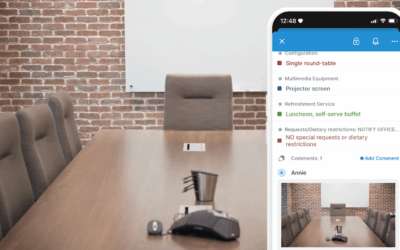

Facilities teams prepare meeting rooms, but rarely control the calendar. Learn how event comments create a clear, visual readiness check without risking schedule changes.
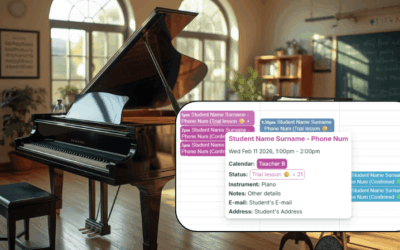
Learn how a shared master calendar helps music schools stay organized, avoid conflicts, and keep lesson details and admin tasks in one place.

Provide a visual conference agenda that attendees can check on the go and understand easily. Less work for organizers, better experience for attendees.

Provide a clear visual schedule and make job documentation easier on the field. Here’s how to use Teamup to manage deliveries, capture photos, and give installers clear instructions on mobile.
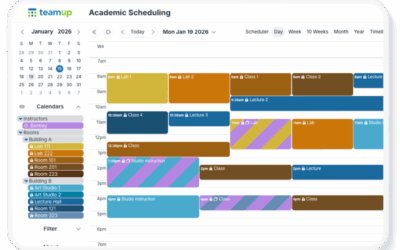
Teamup makes multi-dimensional scheduling possible with sub-calendars and custom fields. Find out when to use each one.
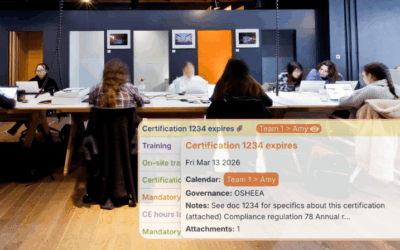
Make compliance tracking easier with a single calendar that shows role-based needs, key dates, and opportunities.
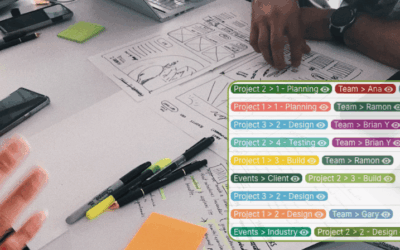
Plan ahead for busy periods with one master calendar. Use calendar views and filters to see stacked deadlines early and avoid workload bottlenecks.

Struggling to plan coverage when PTO is scattered across tools? Learn how centralizing PTO in one shared calendar improves visibility, prevents staffing gaps, and supports fair approval decisions.

Use Teamup’s Year view to show 1–12 months at once with adjustable dates for academic terms, fiscal quarters, or seasonal schedules. Plan over long-range timelines that work for you.
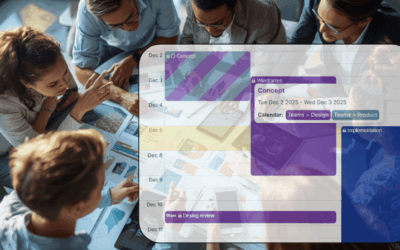
Learn how a shared cross-department calendar gives project managers full visibility across departments and improves coordination
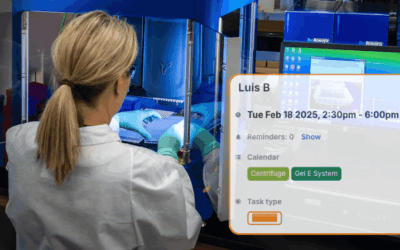
Keep lab instruments organized with a shared booking calendar. Self-scheduling, clear availability, and conflict prevention help teams stay on track and work efficiently.
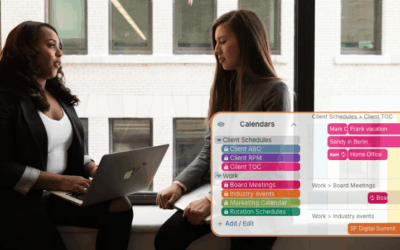
Professionals often juggle schedules across many tools. Learn how to combine feeds from Outlook, Google, and public calendars into one unified overview for easier planning.