Featured, Interactive Demos, Product Tips
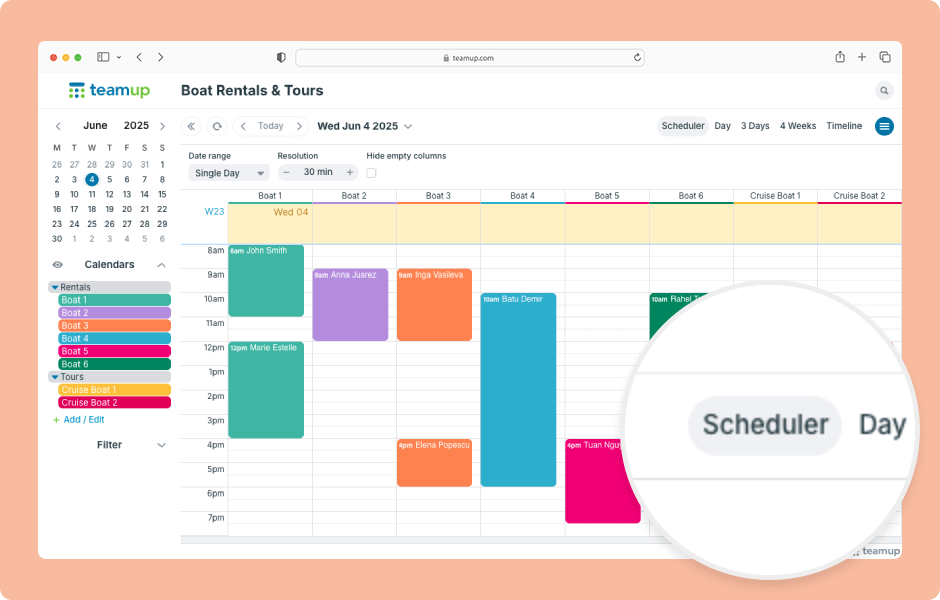
Teamup has 12 unique calendar views, suitable for different planning and scheduling needs. When you open Teamup in a browser, it will open with the default calendar view. Choosing the most appropriate default calendar view makes your calendar more user-friendly by...
Interactive Demos, Product Tips
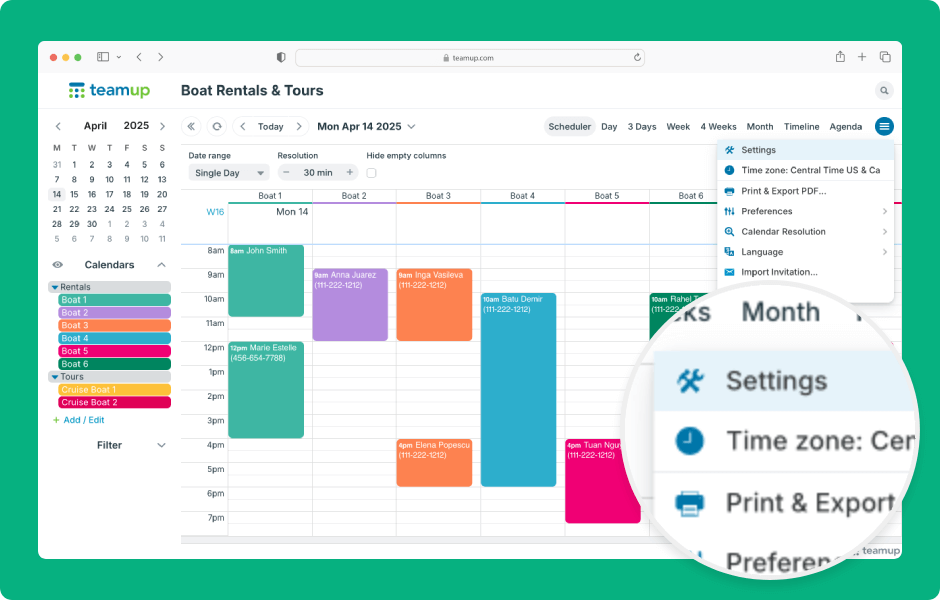
Teamup calendar settings are the control center of the calendar, where the calendar administrator can create sub-calendars, manage users, and configure settings. Settings are accessible only in a browser (not in the Teamup app). Here’s how to access and use...
Featured, Interactive Demos
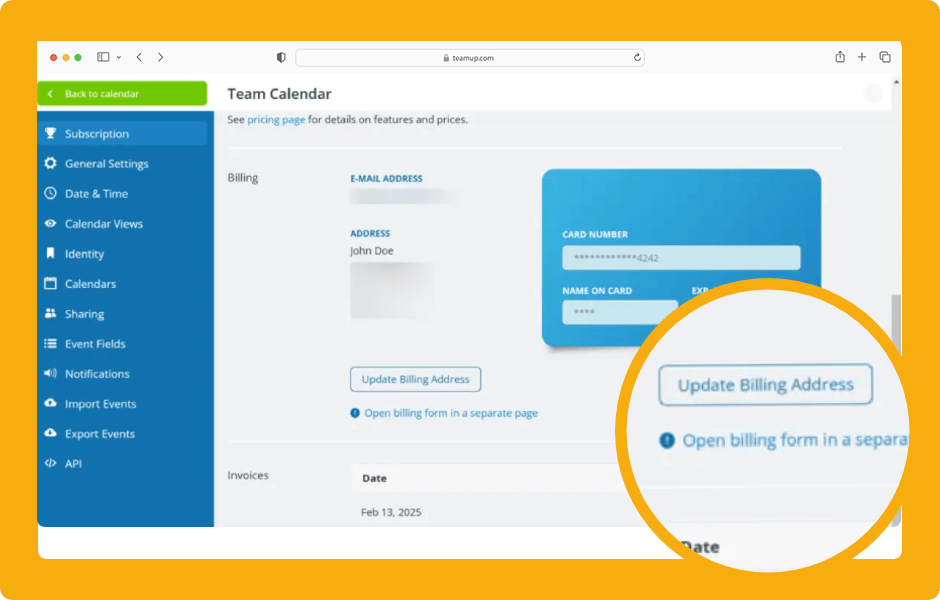
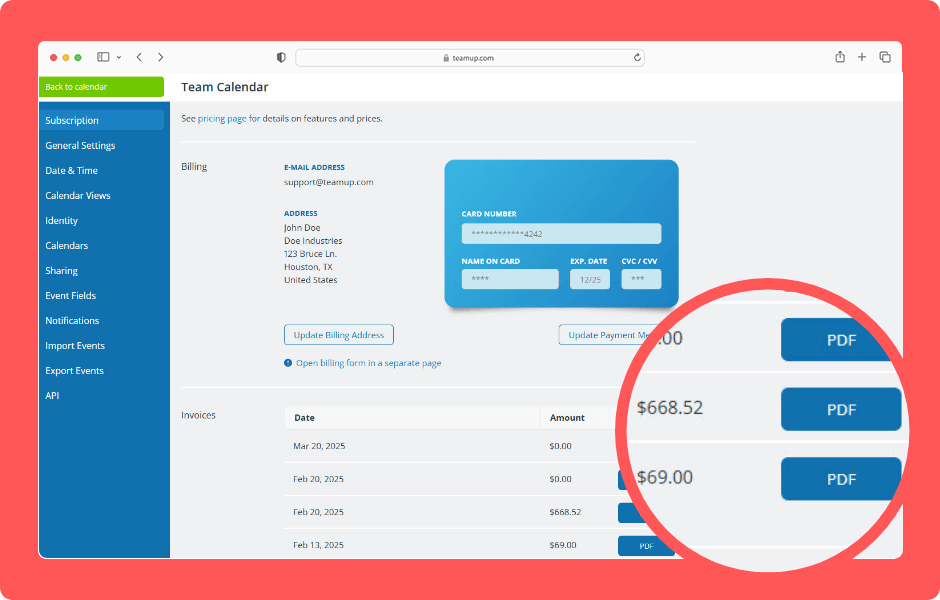
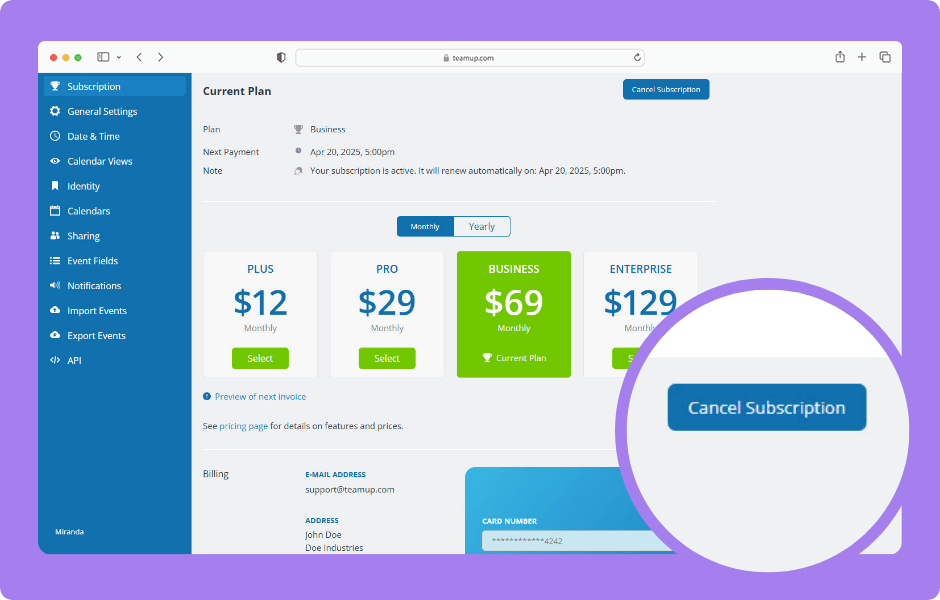
Teamup’s subscription plans are not based on user accounts, which is always free for anyone. Instead, they are calendar-based. Each subscription plan is bound to a specific calendar. Each plan must be cancelled within the respective calendar. The calendar...