
Explore Tiles View: A Visual Calendar Layout
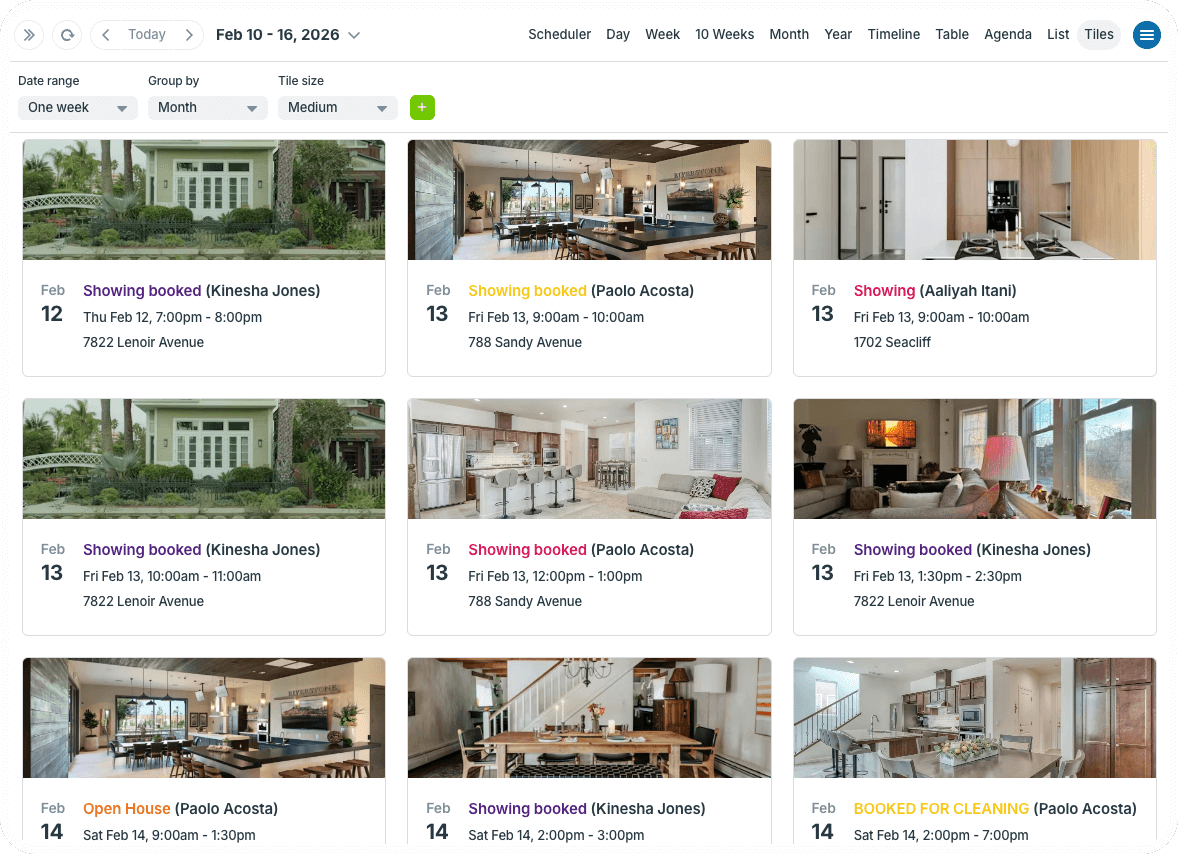
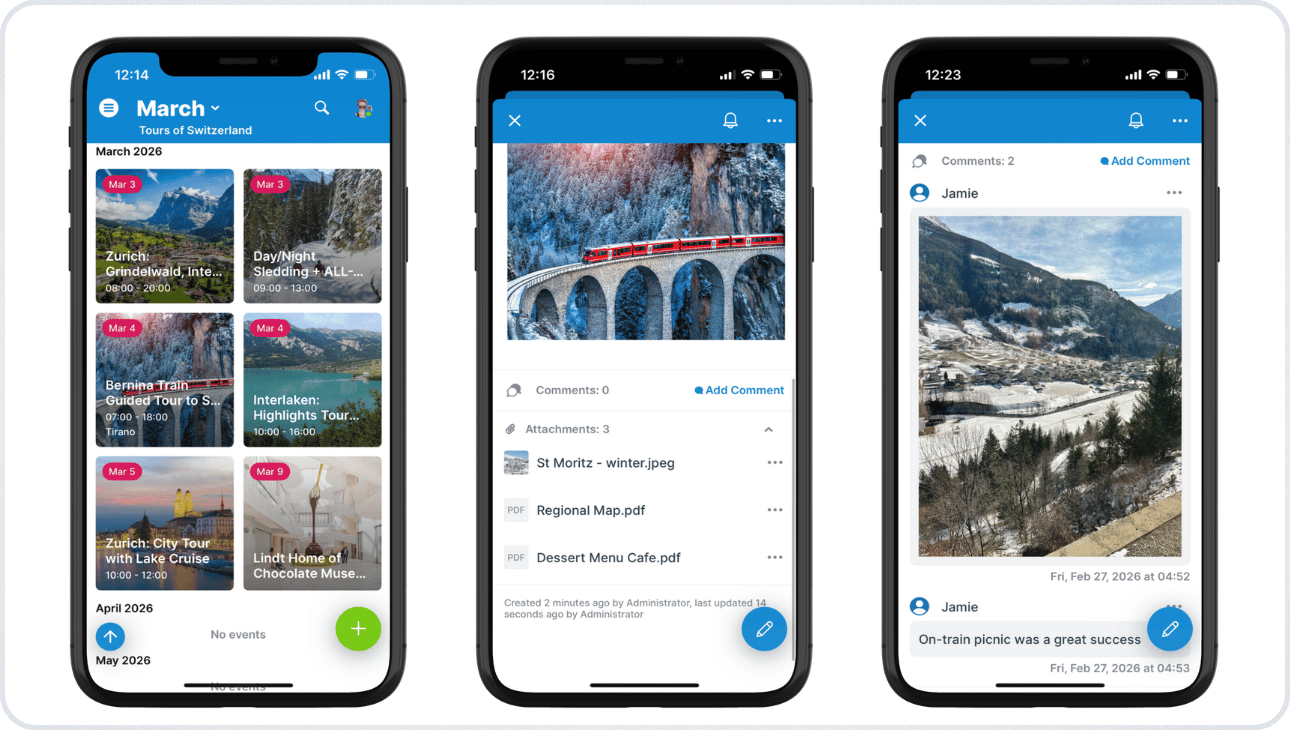
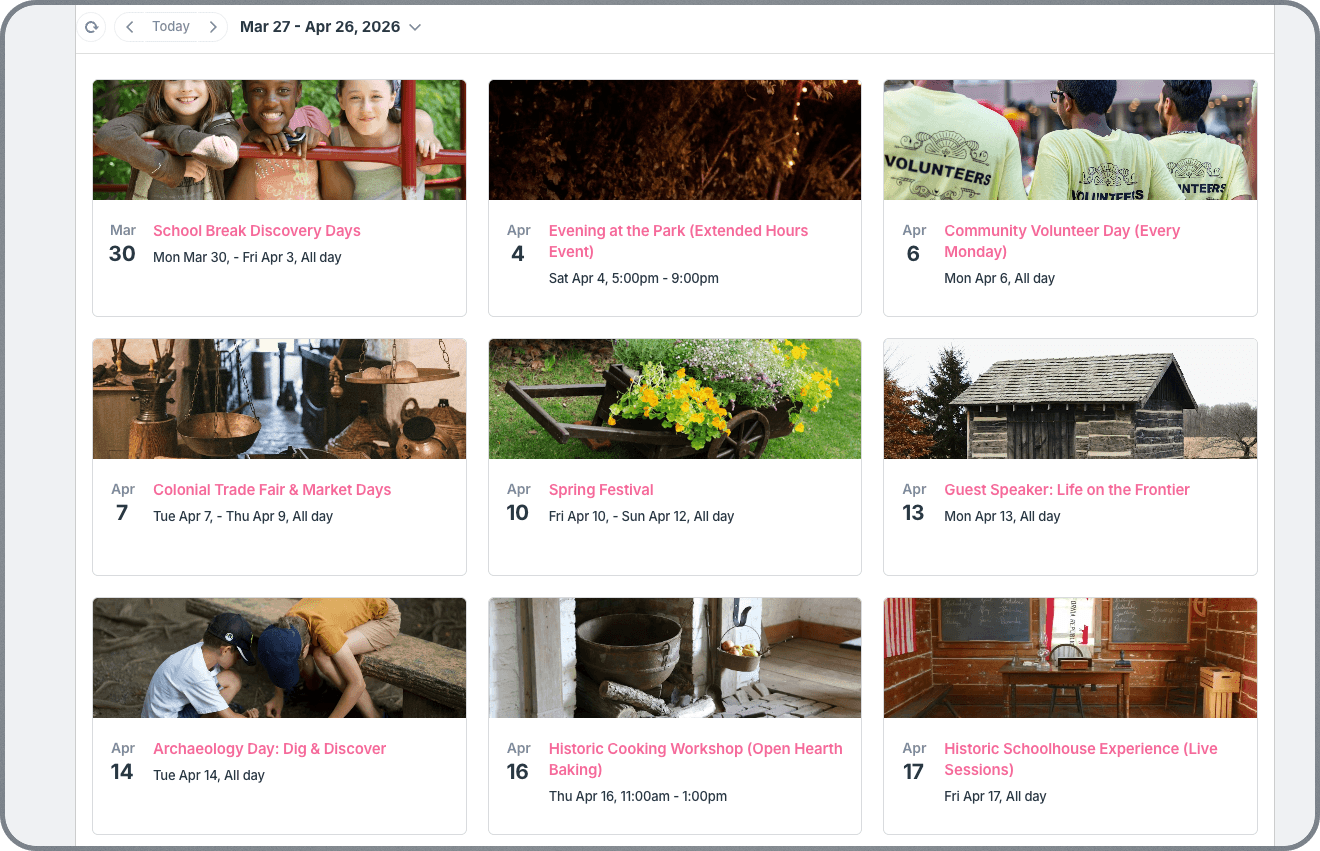
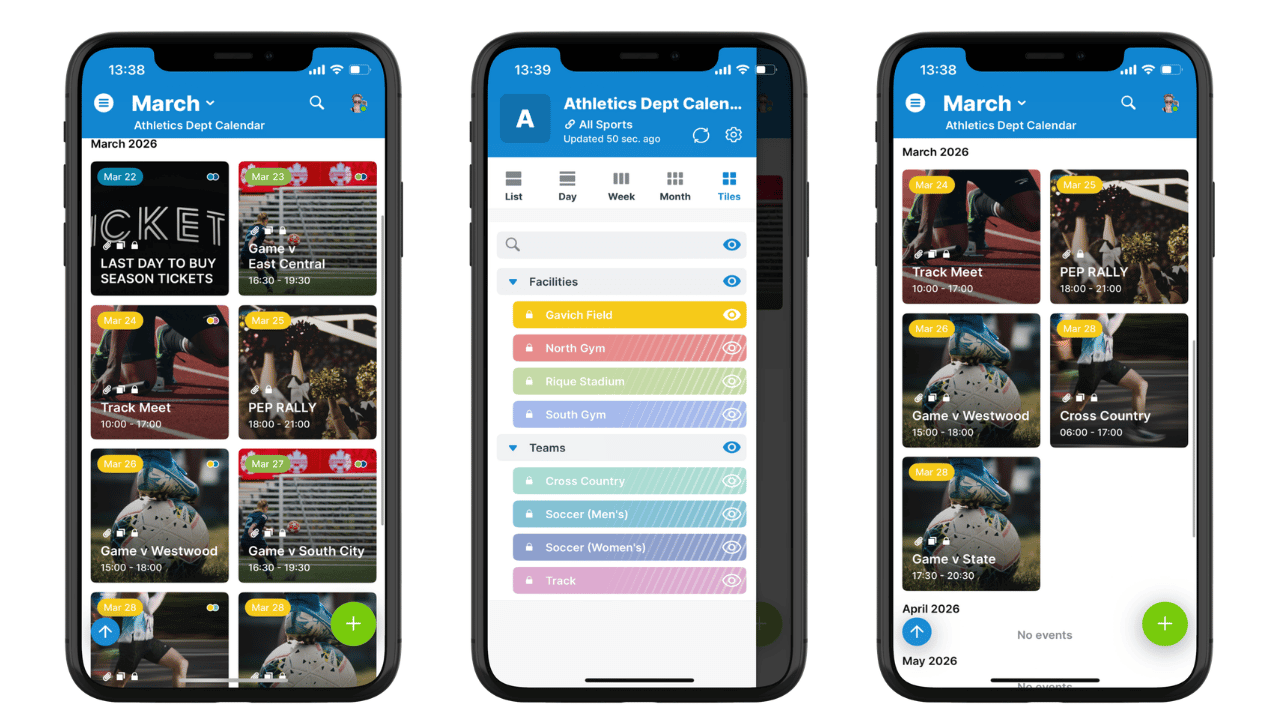
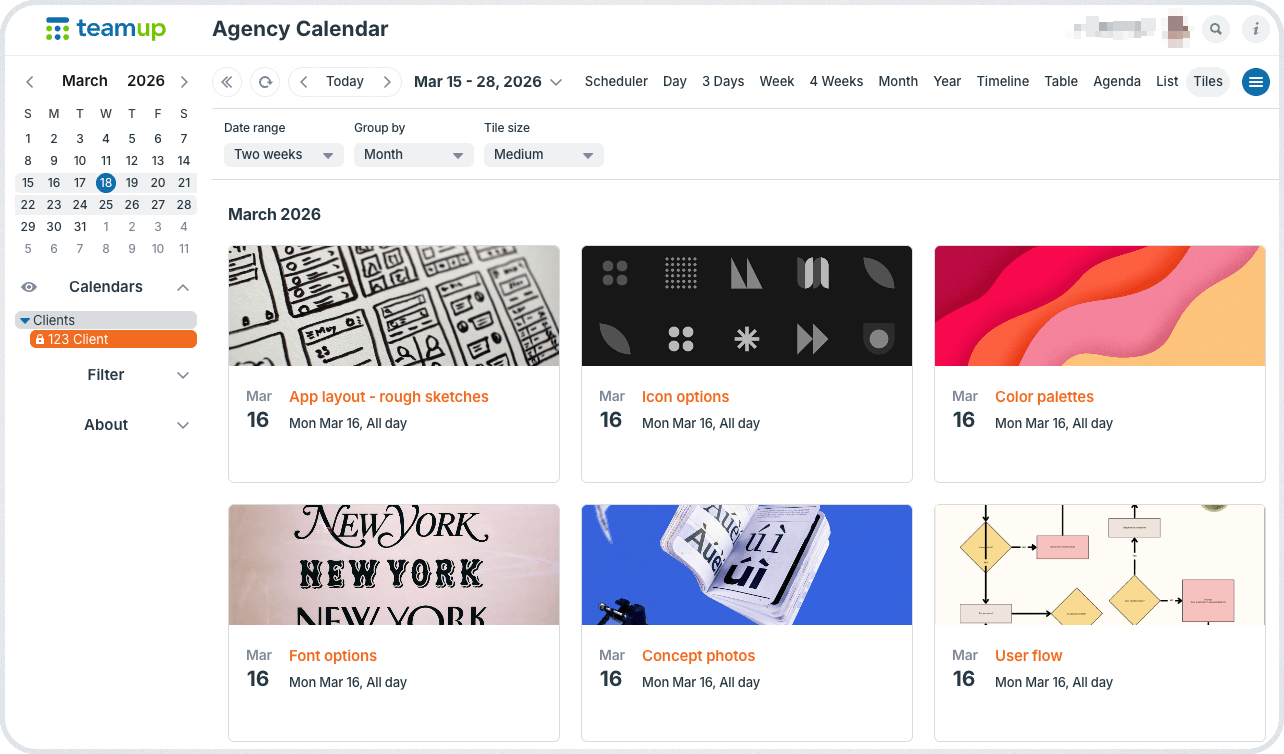
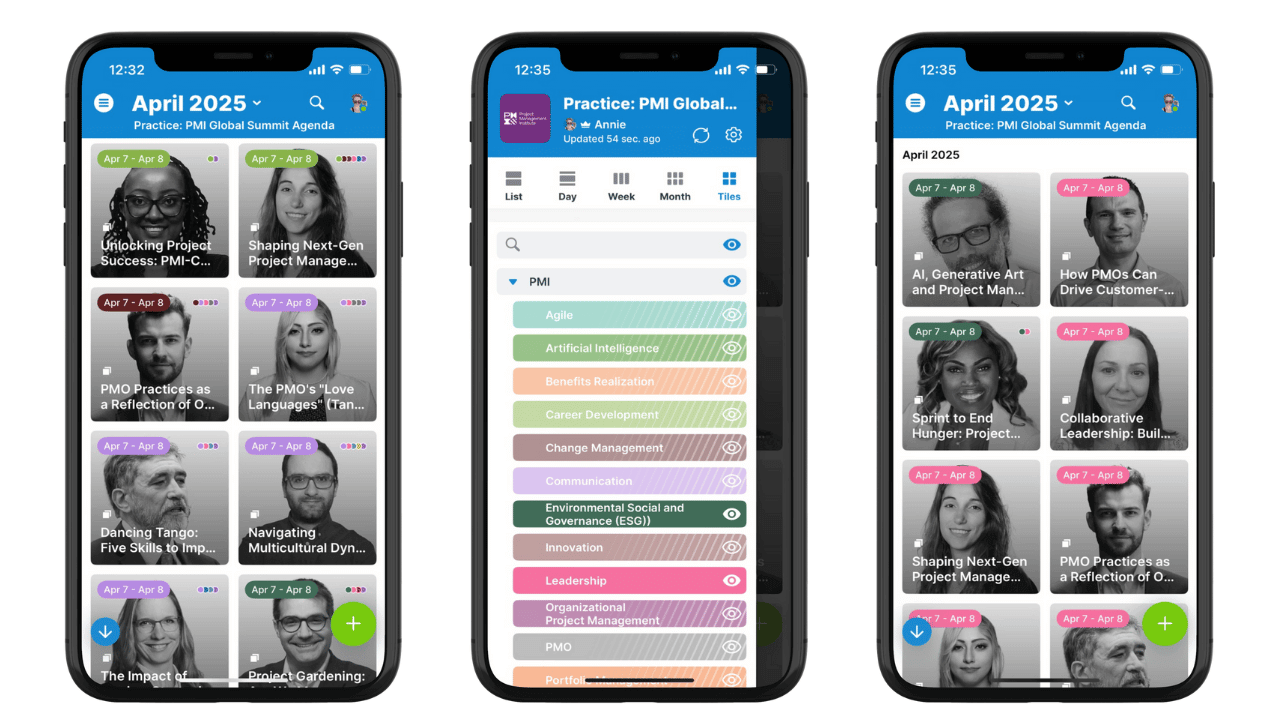
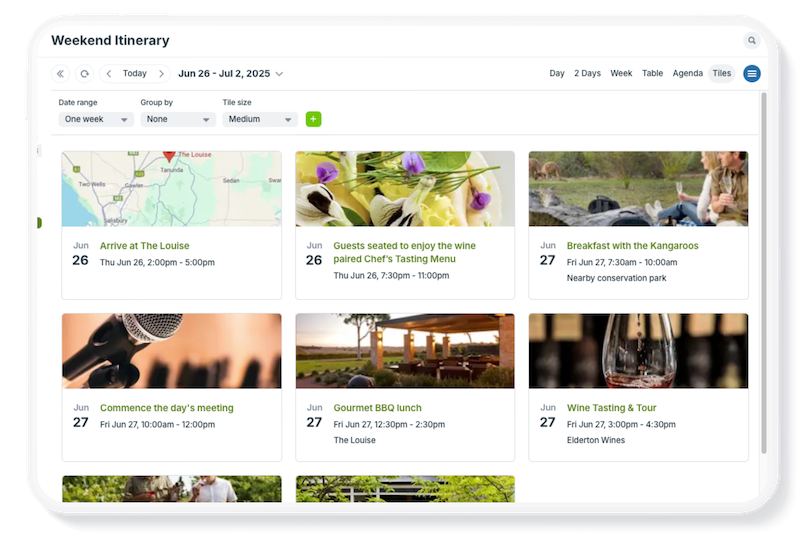
Turn your calendar into a more visual and intuitive space with Tiles view, available on browser and the Teamup app. In Tiles view, each event appears as a visual tile with a highlighted image, with event tiles arranged in a clean, scrollable grid. On a browser, you can adjust the tile size.
Take a look at some examples below, then open a Live Demo Calendar to try it out yourself.
📱To see a live demo calendar in Tiles view on the Teamup app: Open the Teamup Ticker calendar in a browser and click the green + dot to add it to your dashboard. In the Teamup app, open the Teamup Ticker calendar from your dashboard. Switch to Tiles view: Swipe to open the left menu and tap Tiles view.
The Ticker Calendar is also embedded here.
How to use Tiles view
🖼️ Try out Tiles view on a live demo calendar
- Click the green button above to launch a Tiles view demo calendar.
- The demo is fully functional with sample events already included.
- Set the Tile size to Small, Medium, or Large to see how the display adjusts.
- Click anywhere in the calendar to create a new event.
- Without an image: Tiles view will show a bold, colorful header based on the sub-calendar color.
- Upload an image (in the Description or Attachments) to see it as the event’s cover image.
- Click the blue menu (top right) and go to Settings > Calendar Views to configure Tiles view.
- Copy the demo calendar link and open it in the Teamup app to see how Tiles view looks on mobile.
🎨 Use Tiles view on your calendar
- Calendar admins can enable and configure Tiles view:
- Enable Tiles view in Settings > Calendar Views.
- Configure the default settings for Tiles view: Date range, default grouping, and default tile size.
- Set the event sort order to Ascending or Descending.
- To make Tiles view the default calendar view:
- Go to Settings > Calendar Views.
- In the Default section (at the top), choose Tiles view.
- ℹ️ Learn more about Tiles view.
🖼️ Explore Tiles view use cases and examples
- Visual instructions for on-site subcontractors.
- Job clarity for delivery and install crew in the field.
- Organized, visual real estate listing calendar.
- Polished layout for property showing schedule for clients.
- Mobile information portal for tour guides.
- Scannable, synced conference agenda for attendees.
- Mobile-friendly itinerary of weekend events and activity options.
- Clean, appealing client-view of design concepts and deliverables.
- Shareable, visual calendar of athletic events.
- Embedded special events calendar on a restaurant website.
Embed a calendar in Tiles view
It’s secure and easy to embed a Teamup calendar on your own website. Tiles view makes events stand out and look great. Start with a secure link to show only the events you want to share. Then use the Embed Wizard to customize the embedded calendar. Choose Tiles view as the default with the tile size you prefer. Then copy the resulting iFrame code into your website’s CMS. The result is a sleek, polished display of events right on your website.
See also how the embedded Teamup Ticker Calendar looks like.
Get the app

iPhone & iPad

Android devices
TABLE OF CONTENTS