Manage Availability, Product Tips
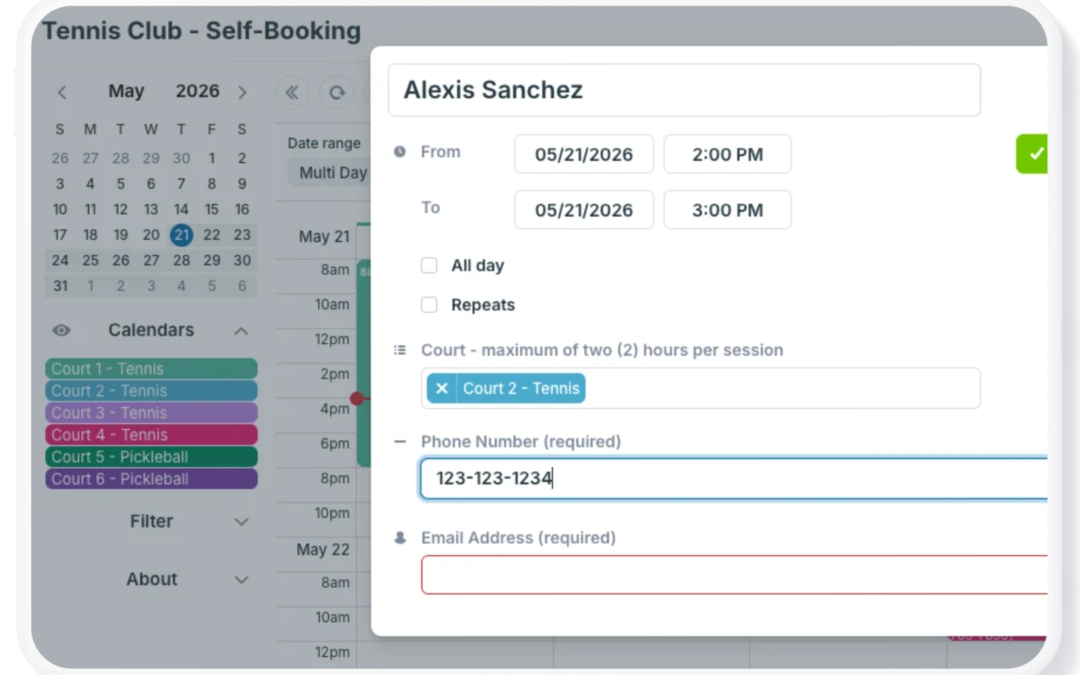
When people need to reserve shared equipment, rooms, lab stations, or other resources, the way you configure booking access makes a big difference. Some organizations prioritize speed and simplicity. Others need stronger controls and accountability. In Teamup, there...
Customer Stories, Manage Availability
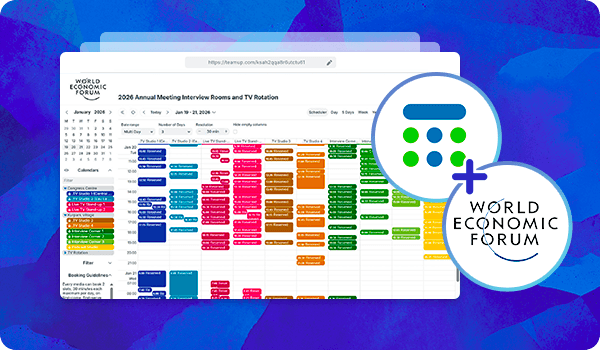
The World Economic Forum (WEF) is the International Organization for Public-Private Cooperation. The Forum is a trusted platform for world leaders from government, business, civil society and academia to engage in forward-looking discussions to address global issues...

Construction, Featured, Field Services, Organize Teams
Construction scheduling only works when the right people can quickly access the right information. Project managers need visibility across crews, equipment, and timelines. Crew leaders need daily job details and schedule updates. Field crews only need their own...
Calendar Access, Product Tips
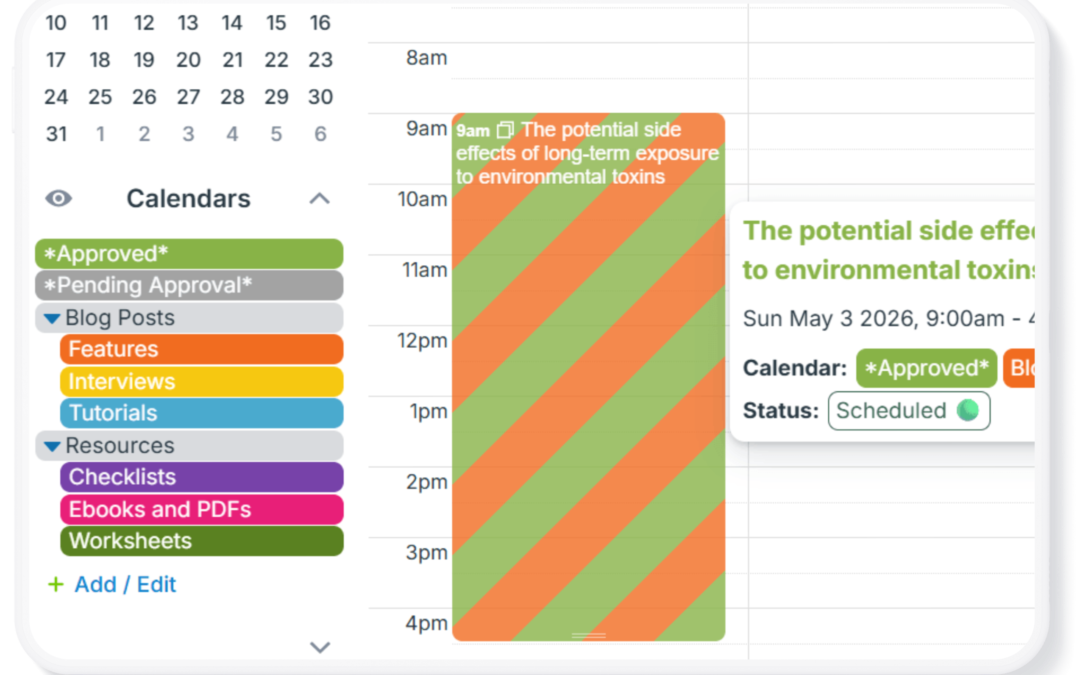
In some scenarios, teams or community members benefit from having a simple approval system in place, where users can submit requests, and a supervisor reviews and approves (or denies) them before anything is finalized. This is common for time-off requests, event...
Calendar Access, Product Tips
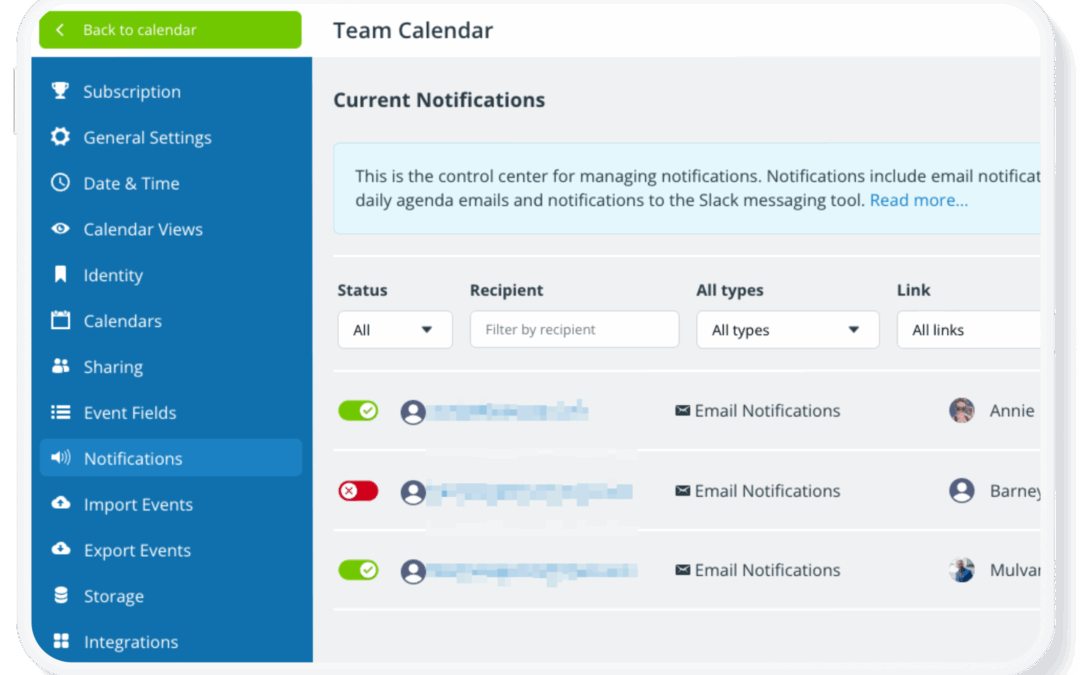
Once a calendar is set up and shared with your team, it often stays in active use for months or years. During that time, people join or leave the team, roles change, and access needs evolve. If your calendar access isn’t reviewed periodically, old user accounts and...
