
Printable Weekly Calendar 2026
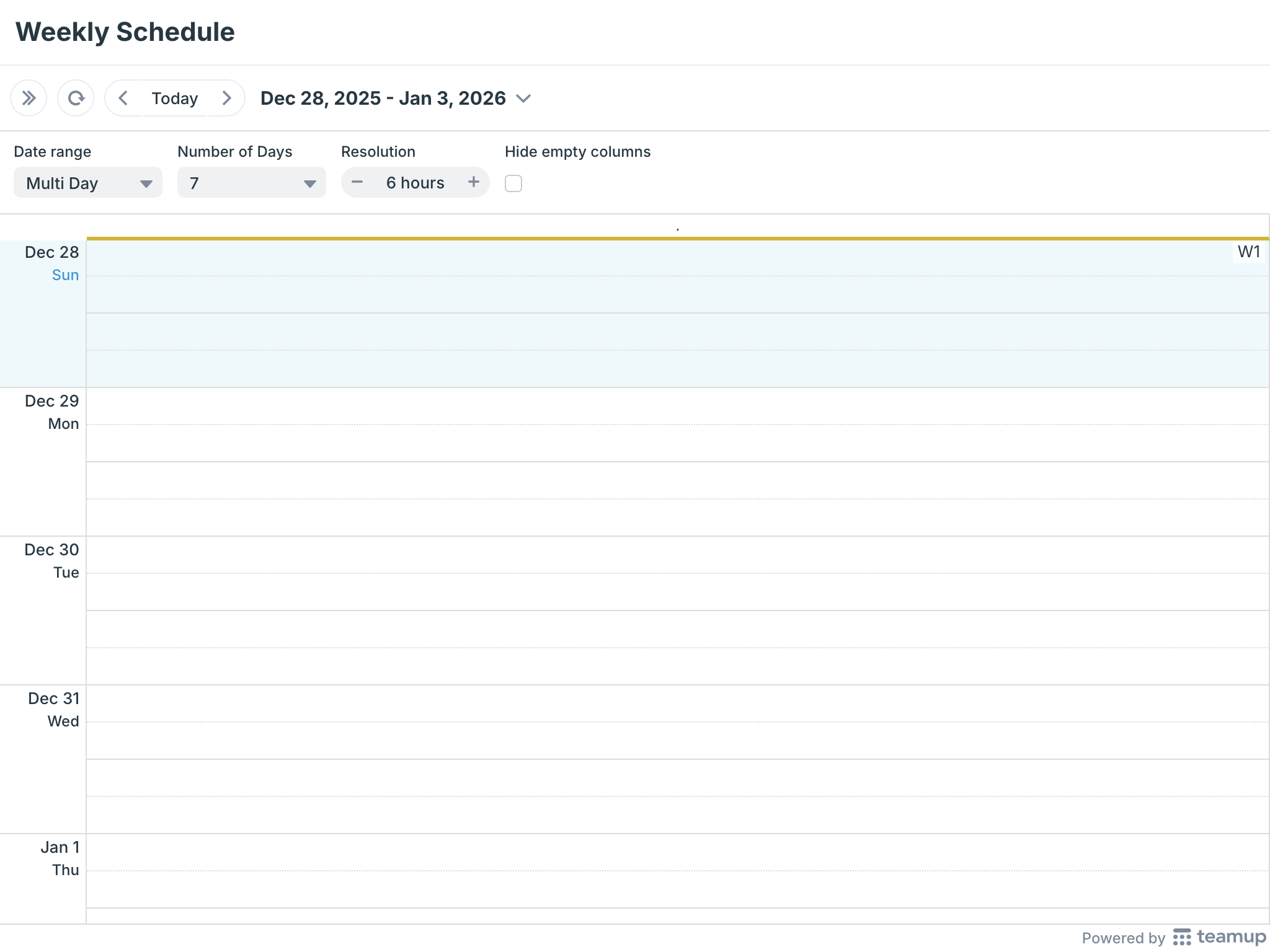
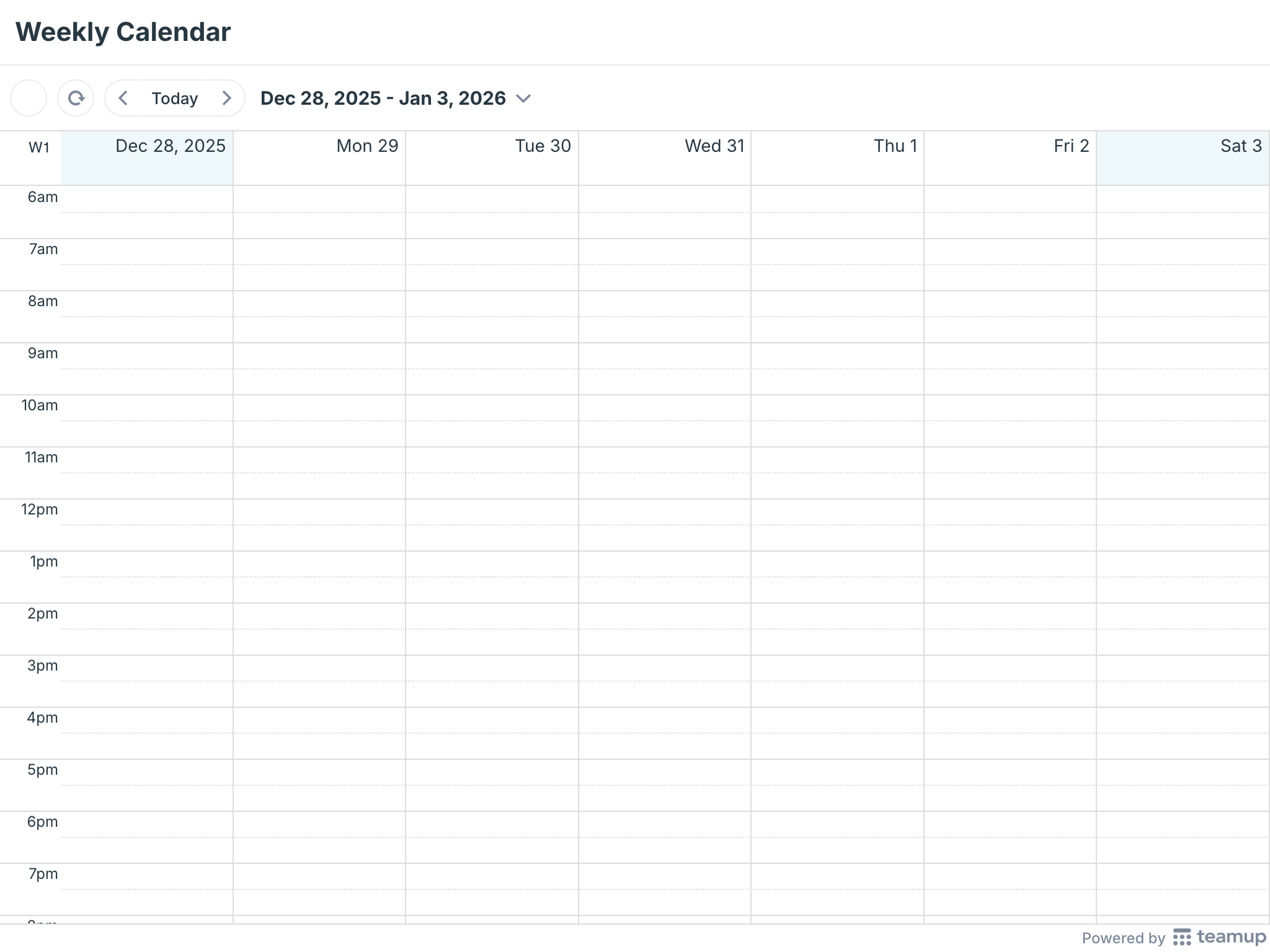
W1 – Dec 28, 2025
W2 – Jan 4, 2026
W3 – Jan 11, 2026
W4 – Jan 18, 2026
W5 – Jan 25, 2026
W6 – Feb 1, 2026
W7 – Feb 8, 2026
W8 – Feb 15, 2026
W9 – Feb 22, 2026
W10 – Mar 1, 2026
W11 – Mar 8, 2026
W12 – Mar 15, 2026
W13 – Mar 22, 2026
W14 – Mar 29, 2026
W15 – Apr 5, 2026
W16 – Apr 12, 2026
W17 – Apr 19, 2026
W18 – Apr 26, 2026
W19 – May 3, 2026
W20 – May 10, 2026
W21 – May 17, 2026
W22 – May 24, 2026
W23 – May 31, 2026
W24 – Jun 7, 2026
W25 – Jun 14, 2026
W26 – Jun 21, 2026
W27 – Jun 28, 2026
W28 – Jul 5, 2026
W29 – Jul 12, 2026
W30 – Jul 19, 2026
W31 – Jul 26, 2026
W32 – Aug 2, 2026
W33 – Aug 9, 2026
W34 – Aug 16, 2026
W35 – Aug 23, 2026
W36 – Aug 30, 2026
W37 – Sep 6, 2026
W38 – Sep 13, 2026
W39 – Sep 20, 2026
W40 – Sep 27, 2026
W41 – Oct 4, 2026
W42 – Oct 11, 2026
W43 – Oct 18, 2026
W44 – Oct 25, 2026
W45 – Nov 1, 2026
W46 – Nov 8, 2026
W47 – Nov 15, 2026
W48 – Nov 22, 2026
W49 – Nov 29, 2026
W50 – Dec 6, 2026
W51 – Dec 13, 2026
W52 – Dec 20, 2026
W53 – Dec 27, 2026
Create Your Own Blank Calendar
Select what you need in the widget below to create a customized blank printable calendar. Then download as a PDF or print from your browser.

Helpful Tips for Printable Blank Weekly Calendars
When the blank calendar is displayed on your screen, you can still make adjustments before printing your customized blank calendar:
- Link parameters: Note the calendar URL in the browser’s address bar. The URL has link parameters which determine how the calendar is displayed. You can modify these parameters to adjust how the blank calendar appears before printing or saving.
- Calendar views: Teamup has many unique and adjustable calendar views. Switch to another view in the top right-hand corner. Adjust the settings and calendar resolution for the best display for your purposes.
- Date range: Use the arrows or scroll through the date picker to adjust the date range. You can print consecutive date ranges for a set of blank calendars or planners.
Print a Branded Weekly Scheduler
Use your own Teamup calendar with your logo:
- Open your own calendar as usual.
- Click All above the calendar list to hide all sub-calendars. This will display a blank calendar. Close the side panel, then adjust the calendar view and date range. When ready, print or save as a PDF.
How to print your filtered calendar
- Open your Teamup calendar
- Toggle the sub-calendars or use the filters on the left to display only the events you want to print
- Ctrl-P on Windows or Cmd-P on Mac to print
How to change calendar resolution
- Click the options menu in the top right hand of your calendar.
- Select Calendar Resolution.
- Select the desired resolution betwee 5 to 60 minutes.
TABLE OF CONTENTS